Panels FX
Cuts the video into panels: rect, rounded, ellipse, diamond or window arch, with heights that morph over time.
R$ 16,90 until 11/30
Living borders of fire, neon, electricity and gold around your LED slices, with comets, sparks and 3D.
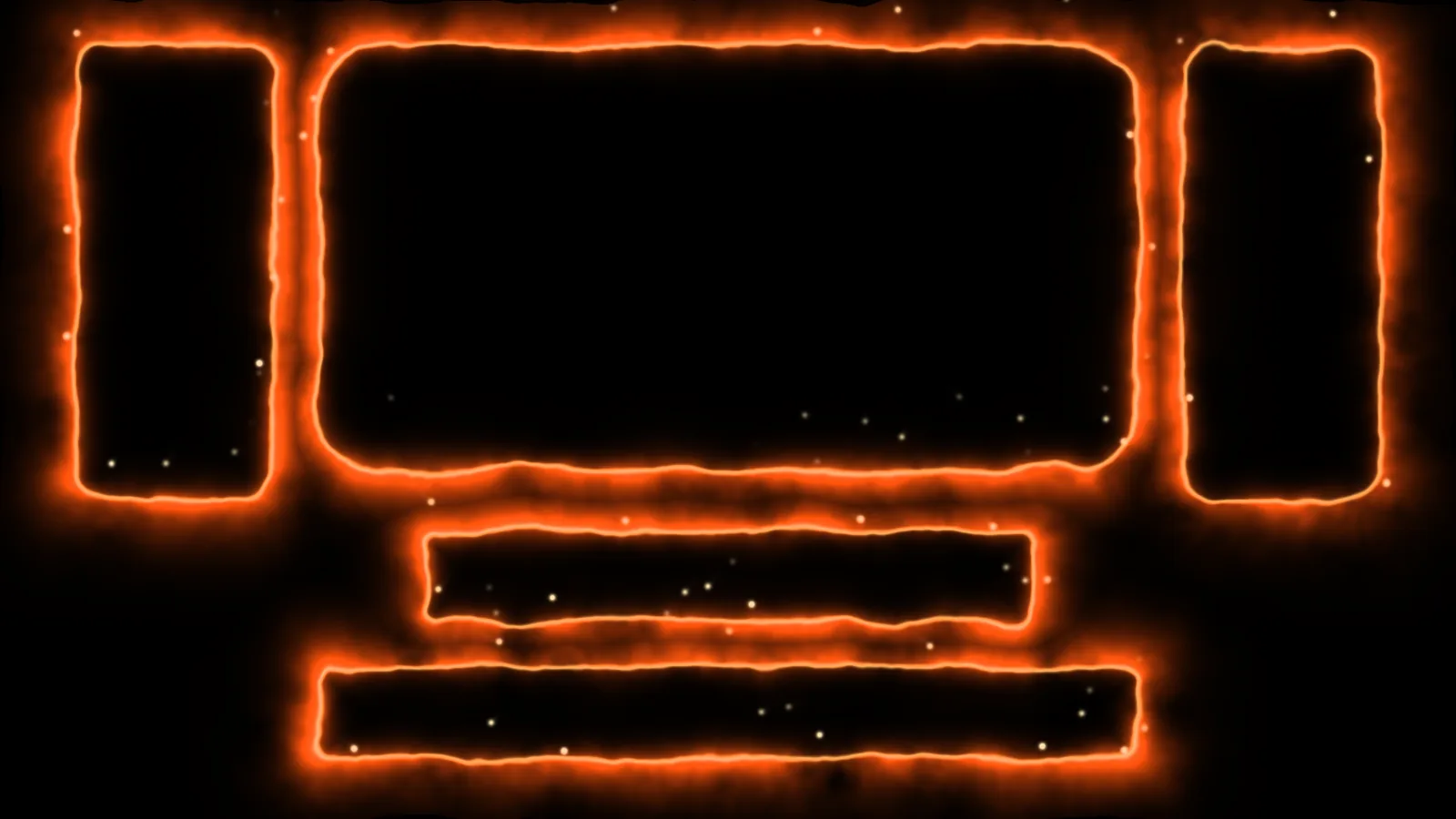
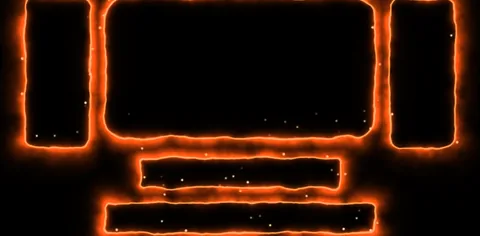 1. Fire
fire borders on the slices, with rising sparks
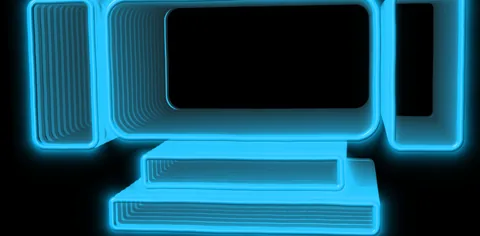 2. Neon 3D (Extrude + Bevel)
blue neon turned into an extruded 3D wall, with bevel and perspective
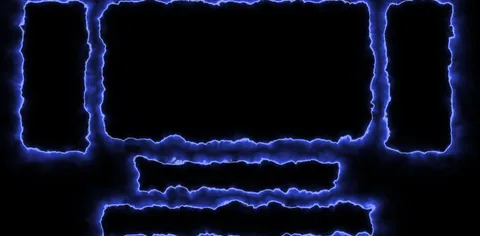 3. Electric
electricity crackling around each slice
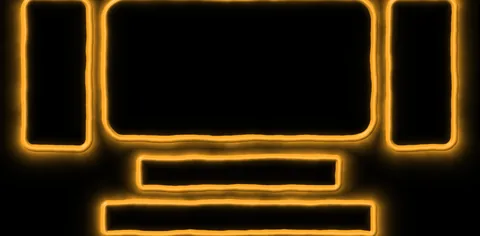 4. Gold Bevel
a golden 3D frame, like a lit tube
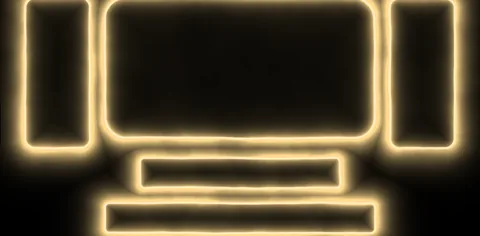 5. Holy Light
soft, warm light, with the glow filling the inside
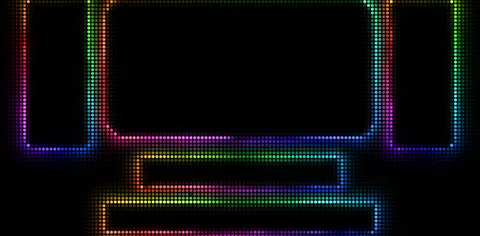 6. Rainbow Pixel LED
a rainbow border made of LED dots
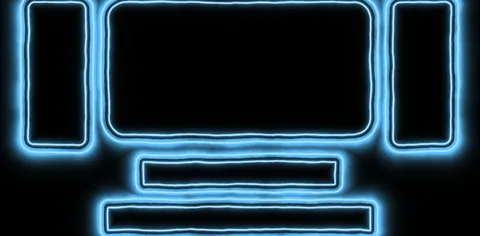 7. Ice Double
a double border with an icy glow
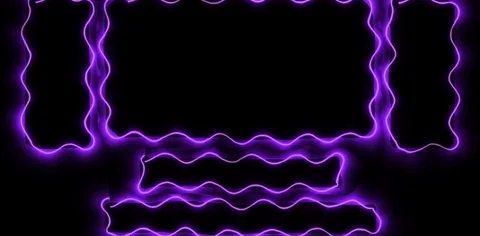 8. Plasma Wave
purple plasma with a wavy edge
 9. Laser RGB Split
a thin red laser with split colors
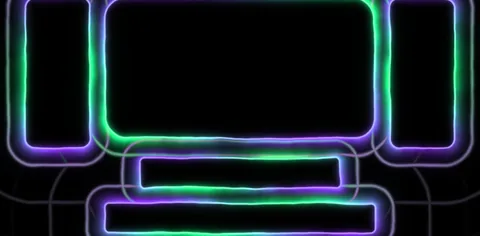 10. Aurora Echo Rings
aurora colors with rings rippling out from the edge
 11. Galaxy Chrome
a chrome border with stars and galaxy colors
 12. Burning logo (Input Alpha)
text or a logo on fire (Edge Source = Input Alpha)
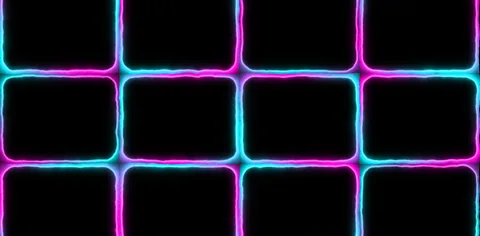 13. Cyber Grid
the Grid in cyan and pink neon, for setups without slices
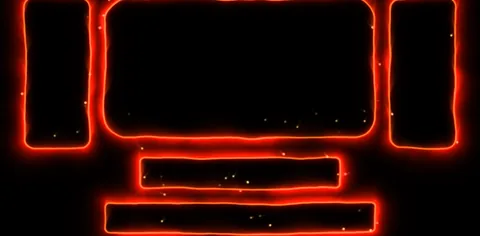 14. Lava + Smoke
a lava border with rising smoke
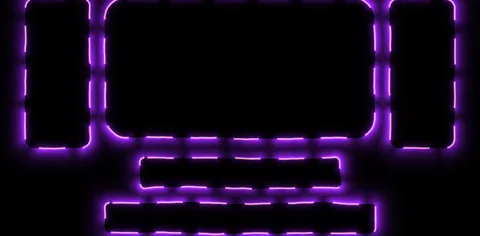 15. Royal Dashed
a dashed border in royal purple
Reads your Advanced Output by itself: pick the screen and the slices by number or name. It also works on a grid, the full frame, text and logos, or the camera.
Inferno, Neon Tube 3D, Thunder, Laser Show, Golden Frame, Holy Glow and more. Or hit Randomize: a new look with every click.
Fire, Neon, Electric, Plasma, Gold, Holy Light, Galaxy and more, with Solid, Double, Triple, Dotted, Dashed, Zigzag, Wave, Lightning and Pixel LED edges.
Racing comets, a border that draws itself in, Pulse, Heartbeat, Wave Slices and more, with BPM Sync and Trigger for MIDI.
Bevel (lit tube), Chrome and Extrude (a 3D wall with perspective), with Tilt, Perspective and Float.
Sparks, smoke, Echo Rings, RGB Split and Glitch. And Join Slices merges touching slices into a single border.
Blaze FX creates living borders of fire, neon, electricity, plasma and gold around your Advanced Output slices, a grid, the full frame, text and logos, or the camera. You get 17 ready-made Looks (Inferno, Neon Tube 3D, Thunder, Laser Show, Golden Frame, Holy Glow and more) and 18 color styles, with Solid, Double, Dotted, Dashed, Zigzag, Wave, Lightning and Pixel LED edges. Comets race around the borders, the border draws itself in at the start of the service, pulses on the BPM or waves across the slices, with sparks, smoke, Echo Rings, RGB Split and Glitch. In 3D mode the border becomes a lit tube, chrome, or an extruded wall with perspective. Slices are read automatically from your Advanced Output: pick them by number or name, merge touching slices into a single border, and Randomize creates a new look with every click.
The same controls you get in Resolume.
| Parameter | Range / options | Default |
|---|---|---|
| SOURCE · Edge Source | Slices · Grid · Frame (full frame) · Input Alpha (text, logo, Text Block) · Input Luma (camera and video) | — |
| SOURCE · Screen · Slice · Slices | which screens and slices get the border: All or one screen (with its real name and slice count, e.g. 2: BORDAS (7)) · one slice by name or All / List · in the Slices field: all, numbers (1,3,5-7, left to right) or names (e.g. Center, Left Side) | — |
| SOURCE · Join Slices | joins slices with + and separates groups with commas (e.g. 2+3, 5+6+7 or Center A+Center B); touching slices that form a rectangle become a single border | — |
| SOURCE · Show Names | Off · Number · Name · Number + Name: writes each slice name on the wall, with red warnings when slices aren't found (turn off before the service/event) | — |
| SOURCE · Reload Slices · Setup File | re-reads the Advanced Output right away (when you save, it reloads by itself in 1-2 s) · picks a specific preset .xml (optional) | — |
| SOURCE · Grid Columns · Grid Rows · Grid Gap | a grid for setups without slices | — |
| SOURCE · Luma Threshold | in Input Luma mode, the brightness cutoff | — |
| SHAPE · Size · Glow · Core | border thickness · glow size · bright center line | — |
| SHAPE · Corner Smooth · Inner | rounded corners · pushes the border in/out (0.5 = right on the edge) | — |
| SHAPE · Fill Inside | glow filling the inside | — |
| SHAPE · Edge Type · Pattern Scale | Solid, Double, Triple, Dotted, Dashed, Zigzag, Wave, Lightning, Pixel LED · size of the dots, dashes, zigzag, waves and pixels | — |
| LOOKS · Look | 17 ready-made looks (Inferno, Neon Tube 3D, Thunder, Laser Show, Golden Frame, Aurora Flow, Cyber Glitch, LED Pixels, Heartbeat, Ripple Rings, Wave Slices, Holy Glow, Galaxy, Chrome Rainbow, Ocean Wave, Royal, Comet Rush) · Custom = your own | — |
| LOOKS · Randomize | button: a new look with every click | — |
| LOOK · Style | 18 styles: Fire, Neon, Electric, Plasma, Gold, Ice, Lava, Holy Light, Toxic, Rainbow, Laser, Aurora, Sunset, Cyber, Galaxy, Ocean, Royal, Blood | — |
| LOOK · Color Mode | Style (the style's colors) · Custom (Highlight + Color) · Rainbow · Gradient (between Highlight and Color) · From Video | — |
| LOOK · Highlight · Color | core and glow colors (in Custom and Gradient) | — |
| LOOK · Hue Cycle · Flicker | cycles the colors over time (0.5 = still) · flicker | — |
| NOISE · Noise | Auto (each style picks) · Simplex · Perlin · Value · Ridged · Cellular | — |
| NOISE · Octaves · Frequency · Density | border noise settings | — |
| NOISE · Evolution · Gravity · Wind · Turbulence | speed · flames rise · side wind · how much the border ripples | — |
| MOTION · Motion | Static, Running (comets), Draw On (draws the border), Dashes, Pulse, Chase Slices, Breath, Scanner, Random, Strobe, Heartbeat, Converge (two comets meet), Ping Pong, Wave Slices (a wave across the slices), Loop Draw | — |
| MOTION · Speed · BPM Sync | speed; with BPM Sync it moves in musical steps (0.5 = one lap per bar) | — |
| MOTION · Heads · Trail | number of comets/dashes · trail | — |
| MOTION · Direction | clockwise, counterclockwise or alternating per slice | — |
| MOTION · Trigger | button: restarts Draw On and the comets' lap | — |
| 3D · 3D Mode | Off · Bevel (lit tube) · Chrome · Extrude (3D wall with perspective) · Extrude + Bevel | — |
| 3D · Depth · Light Angle · Shine | depth · light and shine | — |
| 3D · Tilt X · Tilt Y · Perspective | tilts the plane in 3D · perspective strength | — |
| 3D · Float | automatic 3D sway | — |
| ATMOSPHERE · Sparks · Spark Size · Smoke | sparks rising from the border · rising smoke | — |
| ATMOSPHERE · Echo Rings · Ring Spread | rings rippling out from the border, on the Speed/BPM · distance between them | — |
| ATMOSPHERE · RGB Split · Glitch | splits the colors on the border · glitch cuts | — |
| OUTPUT · Show Input | Under (effect over the content) · Over · Hide (border only) · Inside Only (content only inside the slices) | — |
| OUTPUT · Input Opacity · Background | content opacity · Transparent / Black | — |
| OUTPUT · Intensity · Mix | effect strength · blends with the original | — |
Set up your slices in the Advanced Output and save the preset (Save). Put Blaze FX on a clip or a layer above your content and set Edge Source = Slices: it finds the slices by itself. Saved the Advanced Output again? It reloads in 1-2 seconds, and Reload Slices reads it right away. If the slices don't show up (the border goes to the full frame), save the preset in the Advanced Output and click Reload Slices, or pick the preset in Setup File.
In Join Slices, use + to join and commas to separate groups, with numbers or names: 2+3, 5+6+7 or Center A+Center B. Touching slices that form a rectangle become a single border: the middle line disappears and the corners and comets go around the whole set (gaps of up to ~24 px too). Separate or L-shaped slices keep their own borders but light up together. Note: the number is the left-to-right order, not the number in the slice name. Turn on Show Names = Number + Name to see each slice's number.
It writes each slice's name and/or number on the wall: slices in the effect in white, the others in gray, Join Slices groups as [J1], [J2], and red warnings when slices aren't found. Use it to set things up and turn it Off before the service or event.
Yes: use Edge Source = Input Alpha over a Text Block or a PNG with a transparent background. For a burning logo: Style Fire, Input Opacity 0, Sparks 0.6 and Smoke 0.5. On a camera or video, use Input Luma.
Fire on the wall: Style Fire, Size 0.35, Glow 0.5, Sparks 0.4, Smoke 0.3. 3D neon: Style Neon, 3D Mode Extrude + Bevel, Depth 0.8, Tilt X 0.42, Tilt Y 0.60, Perspective 0.6, Float 0.3. Lightning on the drop: Style Electric, Turbulence 0.7, Flicker 0.4, Motion Pulse and BPM Sync on. Opening: Style Gold, 3D Mode Bevel, Motion Draw On, Speed 0.4, and press Trigger as the service or event starts. Comets: Style Fire, Motion Running, Heads 2, Trail 0.5, BPM Sync. Worship: Style Holy Light, Glow 0.8, Fill Inside 0.4, Motion Breath, Speed 0.3. Burning logo: Edge Source Input Alpha (over a Text Block or PNG), Style Fire, Input Opacity 0, Sparks 0.6, Smoke 0.5.
Yes, Arena and Avenue 7, on Windows.
Yes. It works in Resolume Arena and Avenue 7, on 64-bit Windows 10 or 11.
No. It runs well even on a laptop's integrated graphics (Intel or AMD). A dedicated card leaves headroom for more layers and effects.
Not yet. For now FX Suite plugins are Windows only.
The license is personal: install it on the computers you operate, including your church media team's. Just don't pass on or share the files.
You have a 7-day guarantee. Write to vfxsites@gmail.com and we refund you.
Yes. When a new version comes out, it shows up in My account marked “Update available”: sign in with your purchase email and download it, always the latest version.
Cuts the video into panels: rect, rounded, ellipse, diamond or window arch, with heights that morph over time.
Blinds that open and close to reveal the video, on a single fader or in time with the band.
Tiles that appear in waves, diagonals, from the center, at random or as a checkerboard.
Frame with independent rounded corners and a soft edge. Inverted, it becomes a vignette.