Panels FX
Cuts the video into panels: rect, rounded, ellipse, diamond or window arch, with heights that morph over time.
R$ 16,90 until 11/30
Turn a static camera into a show: 26 motion effects for live camera in Resolume.
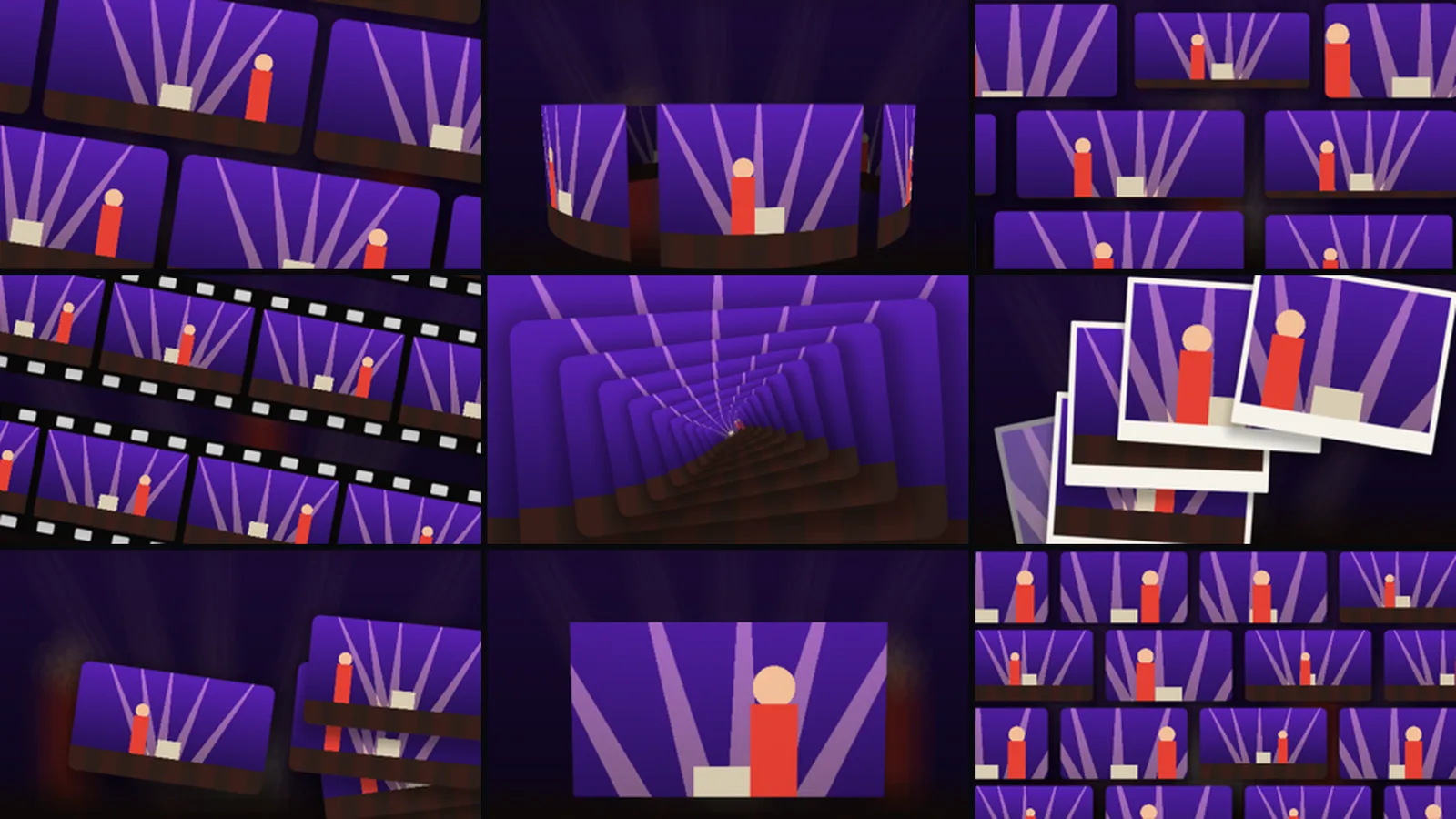
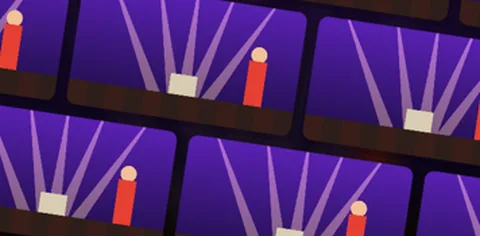 1. Conveyor
rows of cameras sliding in opposite directions
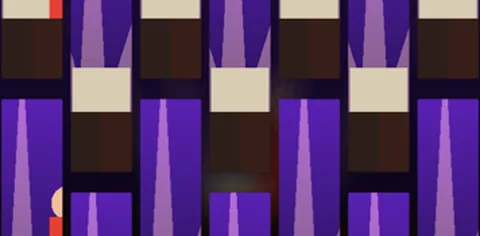 2. Strips
the picture cut into strips that slide as a wave, scroll or domino
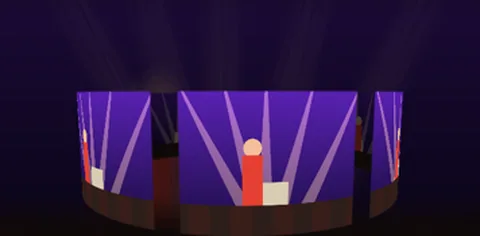 3. Carousel
camera panels turning on a 3D carousel
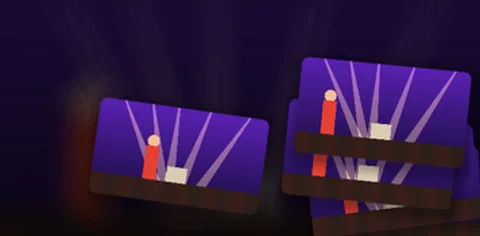 4. Bounce
copies bouncing around, each one in its own moment
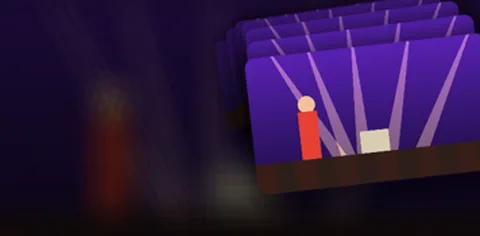 5. Echo
the camera crosses the screen leaving a trail of delayed frames
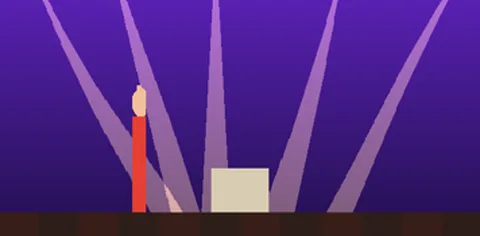 6. Slit Scan
each strip shows a different moment, so motion turns into waves
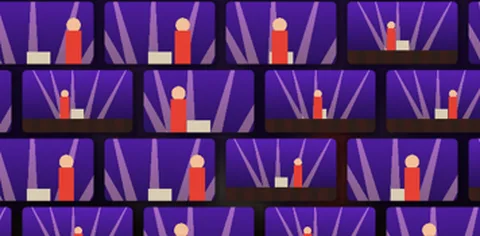 7. Time Grid
a grid where every block lives in its own moment
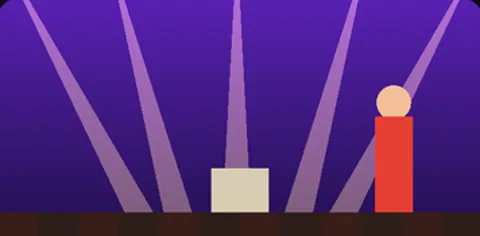 8. Push
cuts on the beat pushing the picture, each with a new framing
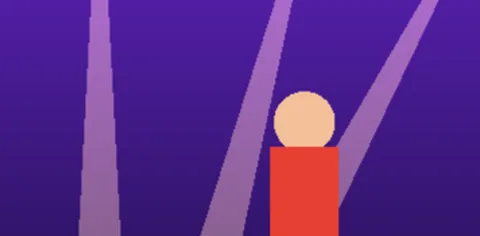 9. Virtual Cam
a virtual camera operator: zooms, drifts and whip-pans
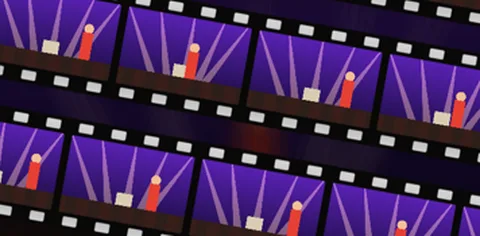 10. Film Strip
a film strip running with the camera
 11. Kaleido
kaleidoscope and camera mirrors
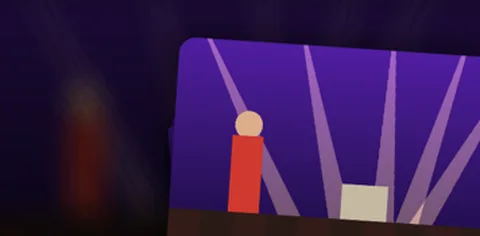 12. Depth
frames flying from deep in the screen toward the audience
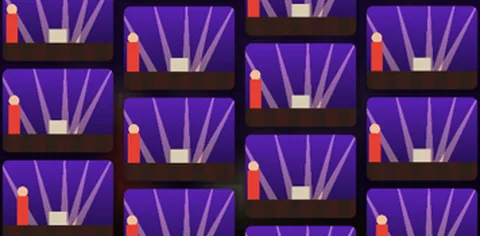 13. Columns
columns of cameras scrolling up and down
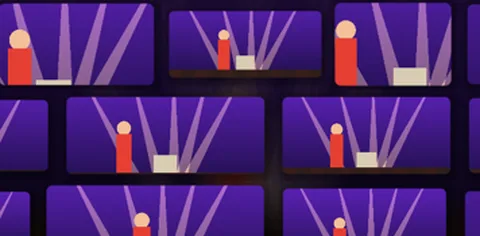 14. TV Wall
a wall of screens in different widths
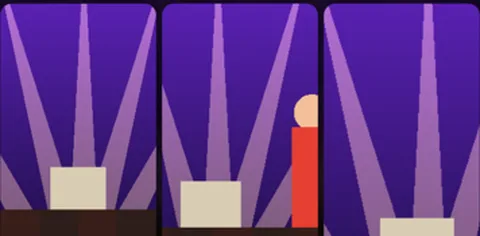 15. Split
2 to 4 framings swapping places on the beat
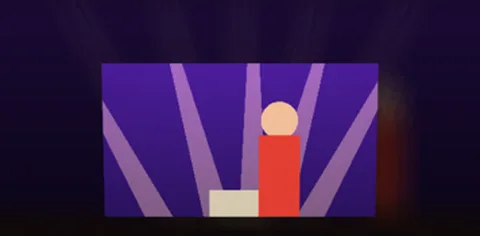 16. Cube
a 3D cube turning on the beat, a camera on each face
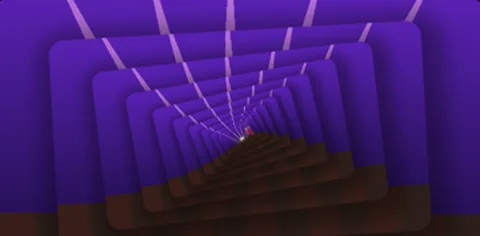 17. Feedback
an endless tunnel, each frame a little older in time
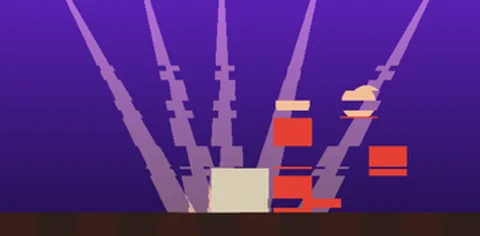 18. Glitch
slices that shift, split colors and jump in time
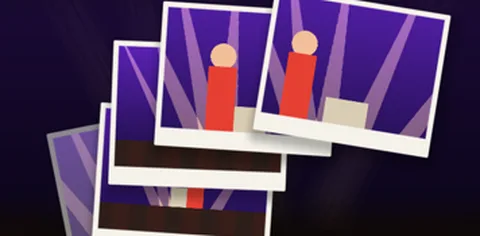 19. Polaroid
camera snapshots dropping and piling up on the beat
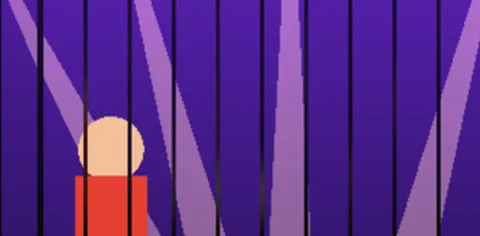 20. Shutter
blinds that flip to a new framing
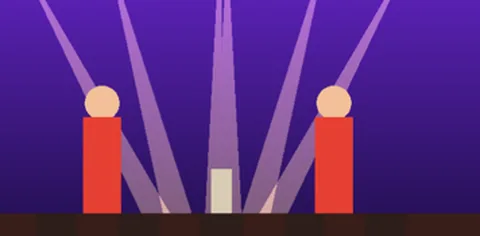 21. Mirror
a moving mirror: one side live, the other in the past
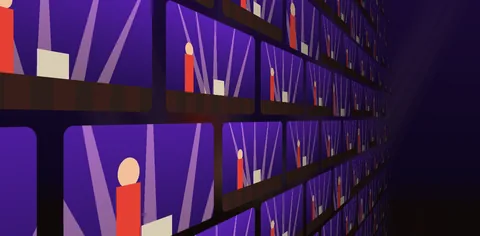 22. Perspective
screens in 3D perspective, as a side wall or a floor
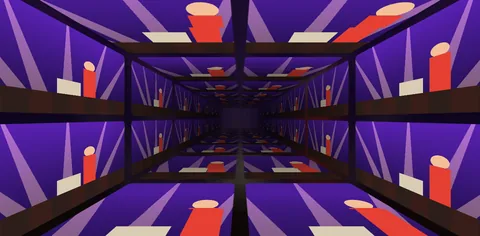 23. Tunnel
a tunnel of screens flying toward the audience
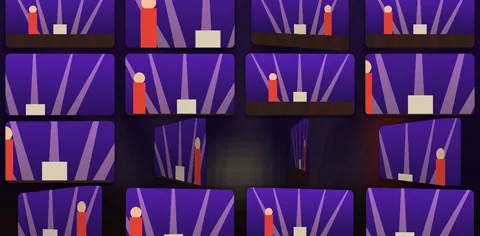 24. Flip Grid
a grid of screens flipping in 3D as a wave, changing the framing
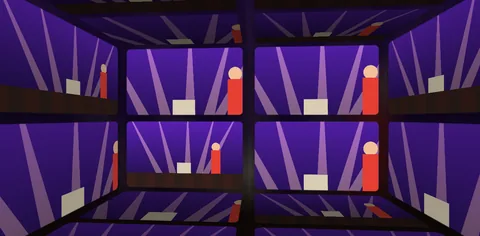 25. Room
a 3D room with screens on the walls, floor and ceiling
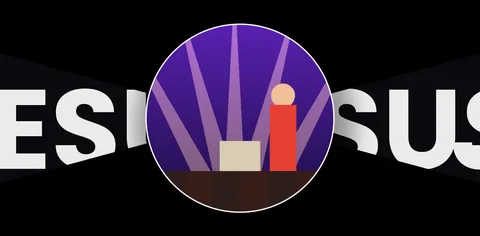 26. Window
one screen in the center: alone, with cut-out triangles (Wedges) or with screens orbiting around
Goes on the capture card, NDI or webcam clip. No background removal: it uses the whole picture.
Finds whoever is moving and the framing follows that person on its own, no AI. It can ignore the LED wall behind.
Keeps about 1.5 s of camera frames for echo, trails, slit scan and grids where every block lives in its own moment.
Attack, Strobe, Chaser, Random and Wave on each screen, with color, Rainbow and a Flash button.
Rectangle, circle, hexagon, triangle, diamond and capsule. Plus a smooth fade on and off.
Follows Resolume's BPM. Random picks a scene and layout; Auto changes scenes every 4 to 32 bars.
CamFlow FX works directly on your camera feed (capture card, NDI or webcam), with no background removal needed. 26 motion scenes: panels, a 3D carousel, a tunnel, a 3D room, a perspective wall, time echo, a virtual camera operator and more. Auto Focus finds whoever is moving and frames them automatically, no AI needed; Track Area lets it ignore the LED wall behind. The plugin keeps the last moments of the camera (about 1.5 s) to create time effects: echoes, trails, slit scan and mirrors between present and past. Every screen can have its own FX (Attack, Strobe, Chaser, Random and Wave, with color, Rainbow and a Flash button) and one of 6 shapes: rectangle, circle, hexagon, triangle, diamond or capsule. Window Wedges mode puts the camera in a center circle with two cut-out triangles showing the layer below, such as typography. Everything follows the BPM, with automatic scene changes, Random, Fill Copy/Slice/Multi (up to 4 cameras, one per panel), borders, corners, shadow, color looks (B&W, Duotone, Cinema) and a transparent, black or blurred-camera background. Effect On turns the effect on and off with a smooth fade.
Free update for existing customers: just request your link again in My purchases.
The same controls you get in Resolume.
| Parameter | Range / options | Default |
|---|---|---|
| Scene | 26 scenes (Conveyor … Window) | — |
| Fill | Copy / Slice / Multi | Copy |
| Variation · Count · Size · Angle | layout within the scene, count, size, tilt | — |
| Zoom · Focus X · Focus Y | framing around the main person | — |
| Look · Look Amount · Tint | Natural / B&W / Duotone / Warm / Cool / Cinema | Natural |
| Auto Focus | Off / On — follows whoever is moving, no AI | — |
| Follow · Sensitivity | focus smoothing · how much motion counts | — |
| Track Area | Full / Center / Lower / Center Lower | — |
| Show Tracking | Auto Focus setup view (turn off before the service) | Off |
| Shape | Rectangle / Circle / Hexagon / Triangle / Diamond / Capsule | Rectangle |
| Gap · Corner · Border · Border Color · Shadow | panel spacing, corners, border and shadow | — |
| FX | Off / Attack / Strobe / Chaser / Random / Wave — per-screen effect | Off |
| FX Style · FX Rate · FX Speed | Flash / Dim Others / Tint · 2 to 1/4 beat · 0.1x to 4x | — |
| FX Amount · Chase Steps · FX Color · Rainbow | intensity, chaser size, color, one color per screen | — |
| Flash | manual hit button (map it to a key or MIDI) | — |
| Speed · BPM Sync · Beat Punch | speed, BPM sync, punch on the beat | — |
| Time Delay · Time Step · Freeze | how much of the ~1.5 s buffer to use, record step, freeze the trail | — |
| Random · Lock Scene | random scene and layout · Random changes only the layout | — |
| Auto | Off / 4 / 8 / 16 / 32 bars | Off |
| Morph (beats) | transition time between scenes (0 = hard cut) | — |
| Effect On · Fade Time | turns the effect on/off with a smooth fade (0 to 5 s) | — |
| Background | Transparent / Black / Camera Blur | — |
| Sources · Source Order · Source Swap | Multi group: 2, 3 or 4 cameras · Sequence / Random · swaps cameras between panels on the beat (Off, 1, 2, 4 or 8 beats) | — |
| Camera Area | Source group: which part of the signal is the camera. Auto detects where the camera is and ignores the black bars on the sides; Full uses the whole signal (as in v2.1); 16:9 Center / 4:3 Center make a fixed crop in the center. In Fill Multi it always stays on Full | Auto |
| Edge Trim | trims a bit more from the camera edges | — |
Yes. It works in Resolume Arena and Avenue 7, on 64-bit Windows 10 or 11.
No. It runs well even on a laptop's integrated graphics (Intel or AMD). A dedicated card leaves headroom for more layers and effects.
Not yet. For now FX Suite plugins are Windows only.
The license is personal: install it on the computers you operate, including your church media team's. Just don't pass on or share the files.
You have a 7-day guarantee. Write to vfxsites@gmail.com and we refund you.
Yes. When a new version comes out, it shows up in My account marked “Update available”: sign in with your purchase email and download it, always the latest version.
Cuts the video into panels: rect, rounded, ellipse, diamond or window arch, with heights that morph over time.
Blinds that open and close to reveal the video, on a single fader or in time with the band.
Tiles that appear in waves, diagonals, from the center, at random or as a checkerboard.
Frame with independent rounded corners and a soft edge. Inverted, it becomes a vignette.