Panels FX
Cuts the video into panels: rect, rounded, ellipse, diamond or window arch, with heights that morph over time.
R$ 16,90 until 11/30
Strobe, chase, wipes and edges right on your Advanced Output slices, on the beat: 19 effects and 19 styles.
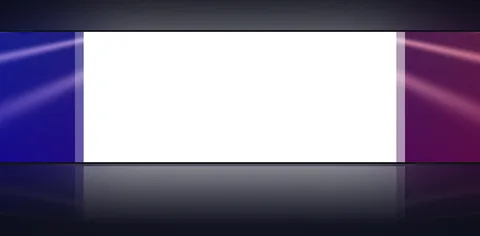 1. Uma por Vez
the classic chase: one slice at a time, on the beat
 2. Pisca Tudo
strobe with every slice together
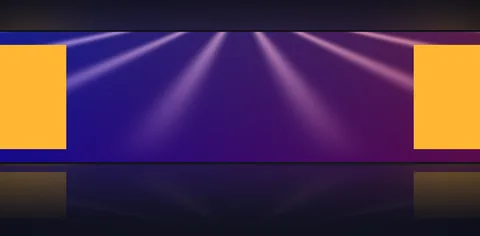 3. Pontas para o Centro
light starts at both ends and meets in the middle
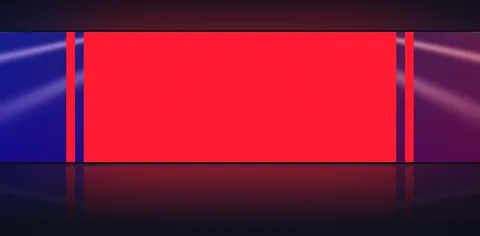 4. Minha Sequência
your own pattern, written as 1+7, 2+6, 3+5, 4
 5. Arrasto de Dentro para Fora
the slice opens from its center to the edges
 6. Arrasto Lateral
a curtain of light left, right, up or down
 7. Círculo
the slice lights up as a growing circle
 8. Persiana
stripes opening like blinds
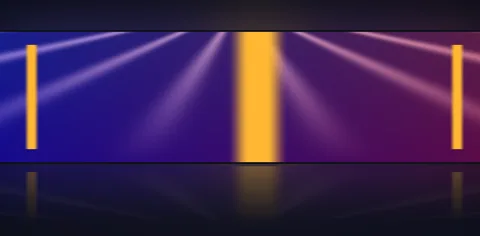 9. Linha de Luz
a line of light sweeping across the slice
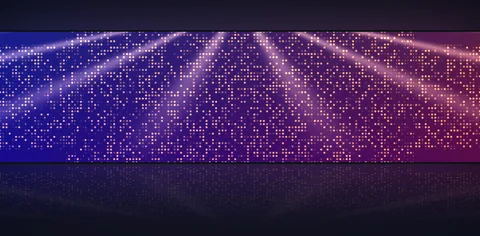 10. Brilhos
glitter over the video
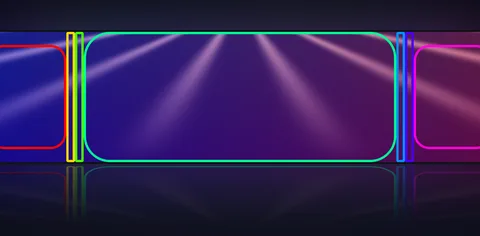 11. Só a Borda
only each panel's outline, like a refiner
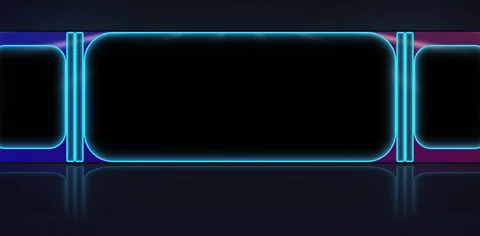 12. Borda Neon
a glowing neon edge with rounded corners
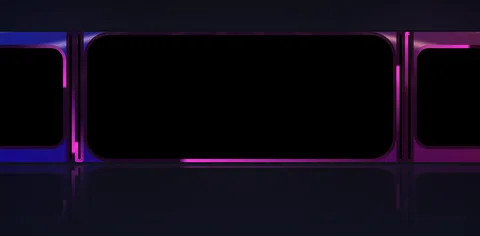 13. Borda Correndo
light runs around the outline, one lap per bar
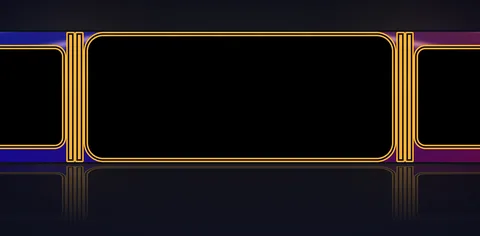 14. Borda Dupla
two lines, one inside the other
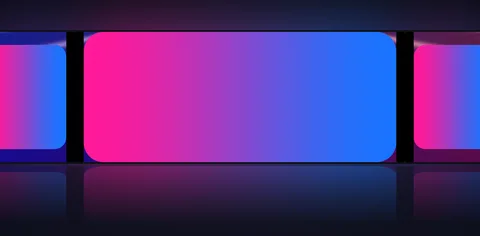 15. Degradê
blends Color 1 into Color 2
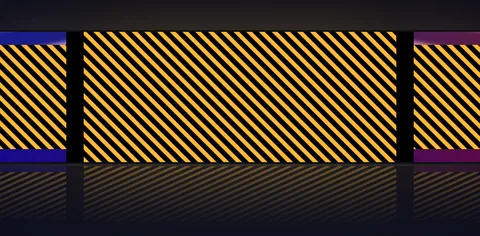 16. Listras Correndo
moving diagonal stripes
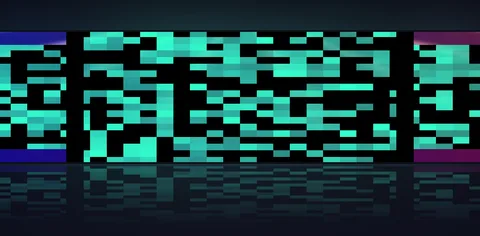 17. Glitch
flickering digital blocks
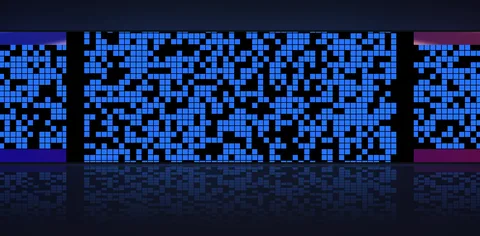 18. Mosaico
the slice lights up in little squares
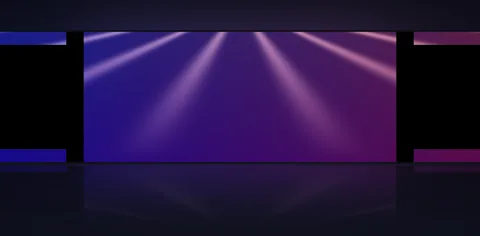 19. Holofote
only the active slice shows the video; the others go black
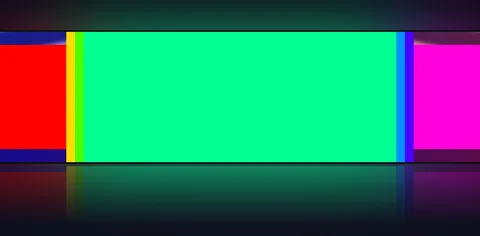 20. Arco-íris
a different color on every slice
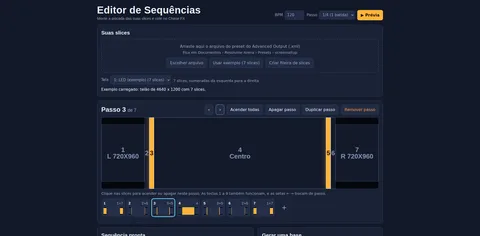 21. Editor de Sequências
build the pattern by clicking the slices and paste it into the plugin
Reads Resolume's Advanced Output: pick the screen and the chase starts. Nothing to map again.
Strobe, chase, ping-pong, ends to center, random, wave, burst, heartbeat, crossing and more, on the BPM.
Light, wipes, circle, blinds, light line, glitter, gradient, stripes, glitch and mosaic.
Edge only, neon, double and running edge, with rounded corners and an edge that pulses on the beat.
Type 1+8, 2+4, 5 or build it by clicking in the included Sequence Editor.
Show Names on the wall, a single slice by name, Restart on MIDI and Drop for the build-up.
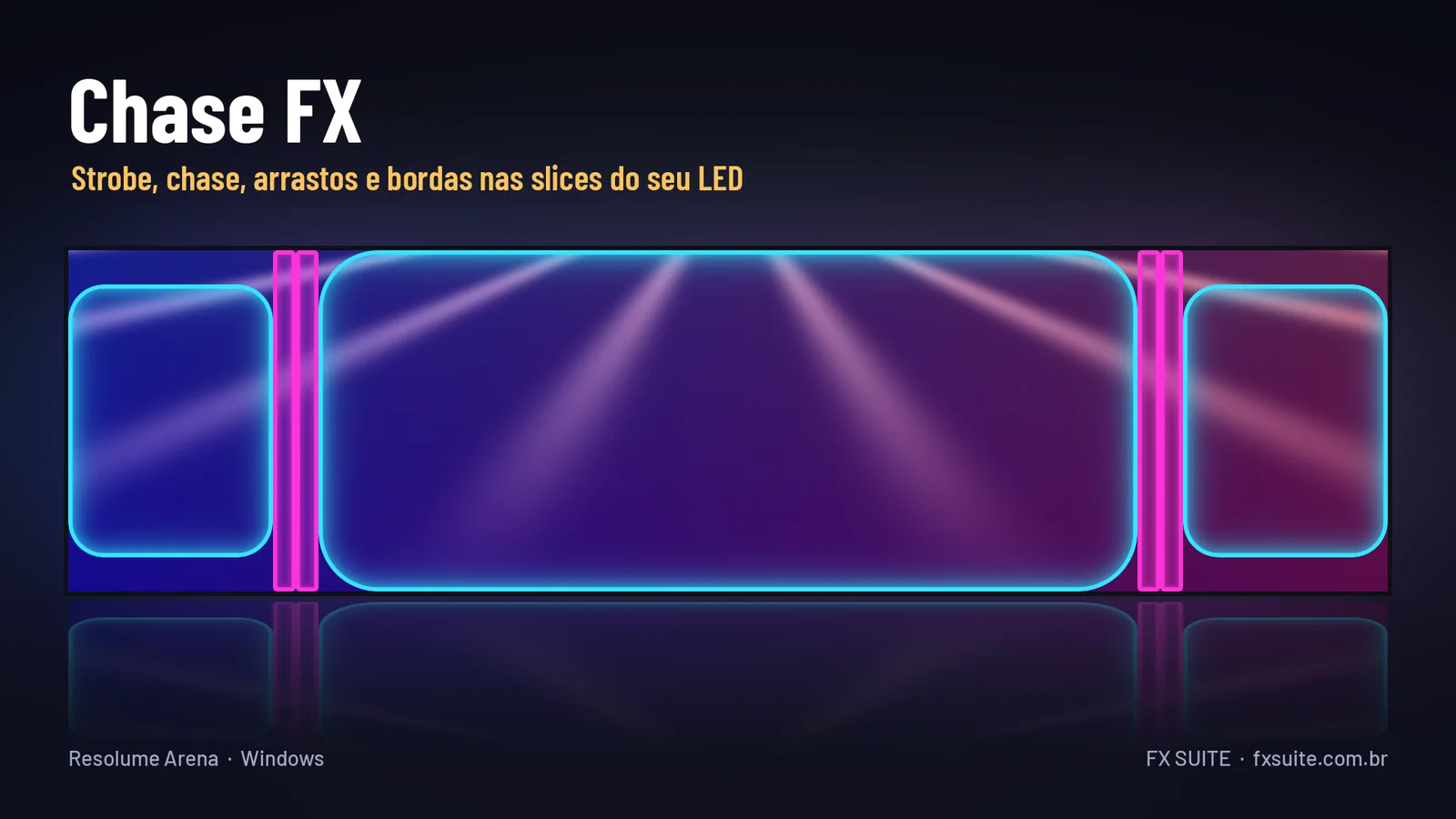
Chase FX reads the slices you already drew in Resolume's Advanced Output and builds the light effects right on them, on the beat. Put the effect on the composition, pick your LED screen and it starts chasing: no separate app and nothing to map again. There are 19 patterns between slices (strobe, chase, ping-pong, ends to center, random, wave, burst, heartbeat, crossing, fill, empty, sparks and more) and 19 styles for how each slice lights up (light, wipes in, out and sideways, circle, blinds, light line, glitter, gradient, stripes, glitch and mosaic). The refiner-style edges (edge only, neon edge, double edge and running edge) have rounded corners, adjustable thickness and an edge that pulses on the beat. Color can be one, two alternating, rainbow, auto cycling or your own video showing only on the active slice. Build your own sequence as 1+8, 2+4, 5 or by clicking the slices in the included Sequence Editor. Show Names writes each slice's number and name on the wall, and the Drop button speeds things up to 8x for 2 bars when the song turns.
Free update for existing customers: just request your link again in My purchases.
The same controls you get in Resolume.
| Parameter | Range / options | Default |
|---|---|---|
| Tela | All Screens or one Advanced Output screen | Tela 1 |
| Slices | all · 1, 4, 7 · 2-6 · slice name · L* | all |
| So Uma Slice | All (uses the Slices field) or one slice by name | Todas |
| Mostrar Nomes | on/off: each slice's number and name on the wall | off |
| Efeito | 19 patterns (strobe, chase, ping-pong, my sequence, random, wave, burst, heartbeat…) | Uma por Vez |
| Sequencia | steps separated by commas, slices together with + (e.g. 1+8, 2+4, 5); takes names and - for a blank step | 1+8, 2+4, 1+3, 5 |
| Direcao | Normal · Reversed · Ping-pong | Normal |
| Velocidade | 0 – 1 (with BPM: 1 bar, 1/2, 1/4, 1/8, 1/16, 1/32) | 0.4 |
| Seguir o BPM | on/off: steps on Resolume's BPM or free speed | on |
| Estilo | 19 styles: light, wipes, circle, blinds, light line, glitter, edges, gradient, stripes, glitch, mosaic | Acender |
| Cantos Arredondados | 0 – 1 (1 = pill) | 0 |
| Espessura da Borda | 0 – 1 | 0.15 |
| Borda Pulsando | 0 – 1: the edge thickens and thins on the beat | 0 |
| Cores | Color 1 · Colors 1 and 2 alternating · per slice · Rainbow · Auto cycle · Show the video | So a Cor 1 |
| Cor 1 · Cor 2 | color picker | branco · azul |
| Velocidade da Cor | 0 – 1 | 0.3 |
| Tempo Aceso | 0.05 – 1: how much of each step the slice stays on | 0.5 |
| Rastro | 0 – 4 steps to fade out | 0 |
| Intensidade | 0 – 1 | 1 |
| Slices Apagadas | Show the video · Black · Dimmed | Mostram o Video |
| Reiniciar | button: back to the first step (great on MIDI) | — |
| Acelerar (Drop) | button: up to 8x for 2 bars, then back to normal | — |
| Numeracao | Left > Right · Top > Bottom · As saved | Esquerda > Direita |
| Juntar Repetidas | on/off: slices with the same content area (e.g. the same screen sent to two outputs) count once, so the effect doesn't double | Ligado |
Yes. Pick your Screen and type in the "Slices" field only the ones you want, separated by commas. Examples: 1, 5 = only 1 and 5; 2-6 = from 2 to 6; 1, 3-5 = 1 and from 3 to 5. Slice names work too. Turn on "Mostrar Nomes" (show names) to see each slice's number on the wall.
Yes. It works in Resolume Arena and Avenue 7, on 64-bit Windows 10 or 11.
No. It runs well even on a laptop's integrated graphics (Intel or AMD). A dedicated card leaves headroom for more layers and effects.
Not yet. For now FX Suite plugins are Windows only.
The license is personal: install it on the computers you operate, including your church media team's. Just don't pass on or share the files.
You have a 7-day guarantee. Write to vfxsites@gmail.com and we refund you.
Yes. When a new version comes out, it shows up in My account marked “Update available”: sign in with your purchase email and download it, always the latest version.
Cuts the video into panels: rect, rounded, ellipse, diamond or window arch, with heights that morph over time.
Blinds that open and close to reveal the video, on a single fader or in time with the band.
Tiles that appear in waves, diagonals, from the center, at random or as a checkerboard.
Frame with independent rounded corners and a soft edge. Inverted, it becomes a vignette.