Panels FX
Cuts the video into panels: rect, rounded, ellipse, diamond or window arch, with heights that morph over time.
R$ 16,90 until 11/30
Countdown, stopwatch and clock for the service in Resolume: 10 ready-made looks, 14 backgrounds, a stage timer and the next clip firing by itself at zero.
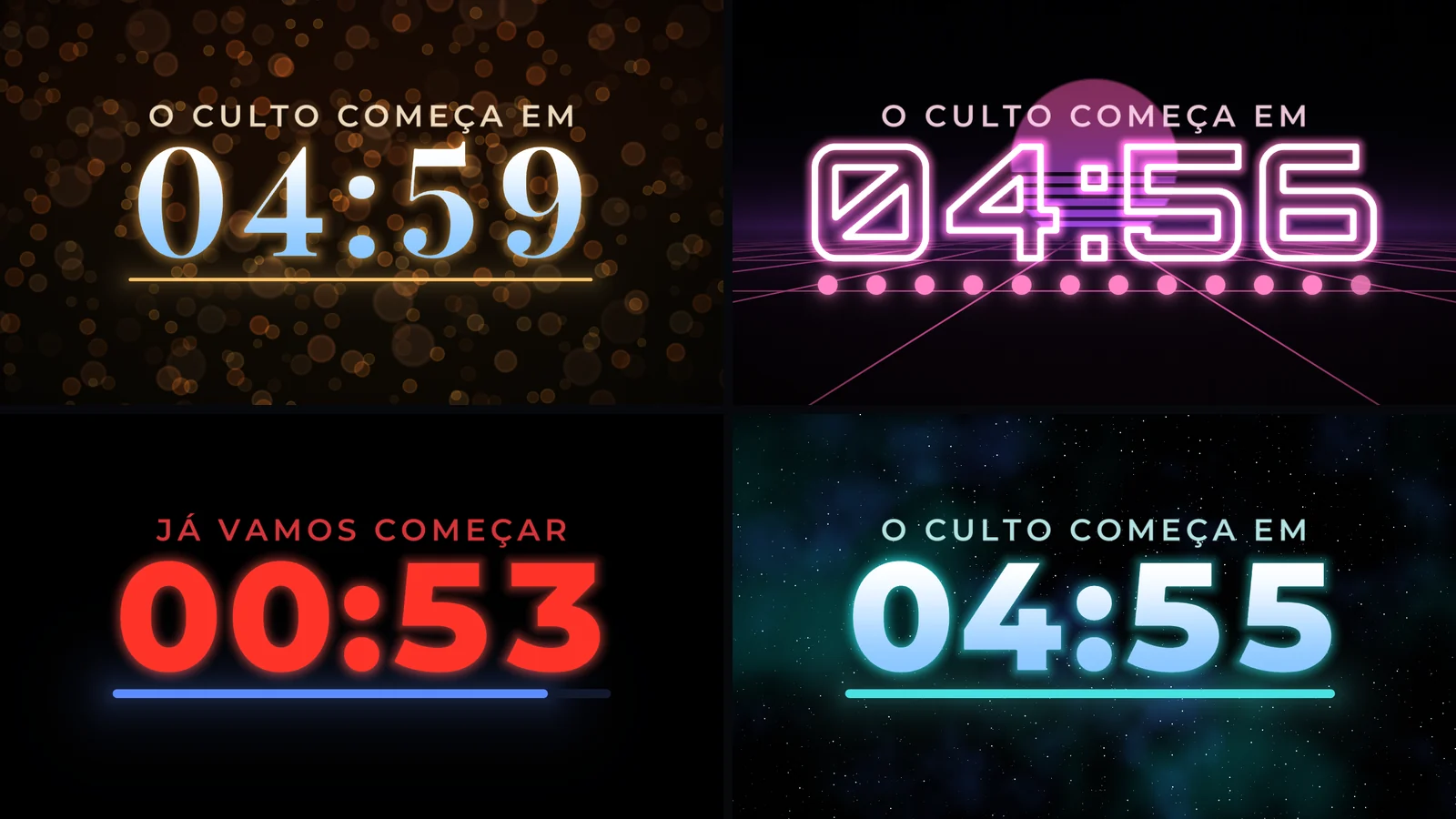
 1. Dourado Bokeh
ready-made look: gold digits over soft bokeh lights
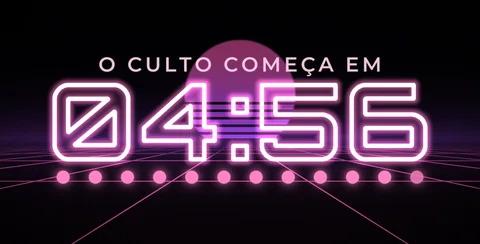 2. Neon Digital
ready-made look: neon outline, retro grid and dotted bar
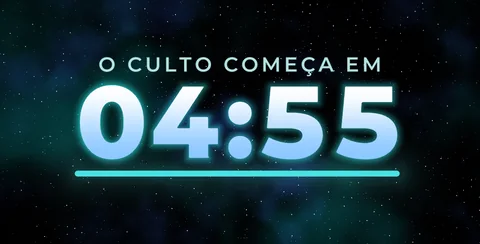 3. Céu Estrelado
ready-made look: a starry sky with a soft glow
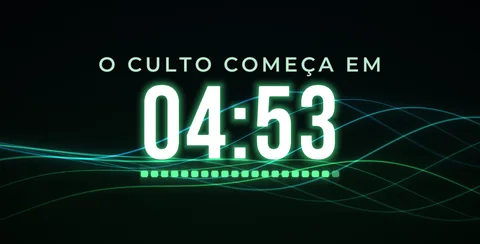 4. Ondas
ready-made look: light waves behind the digits
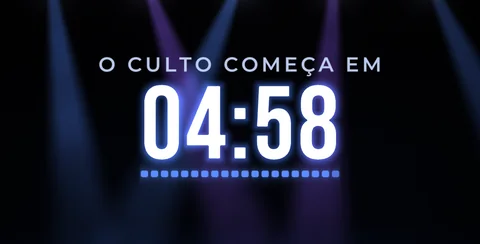 5. Palco
ready-made look: stage light beams
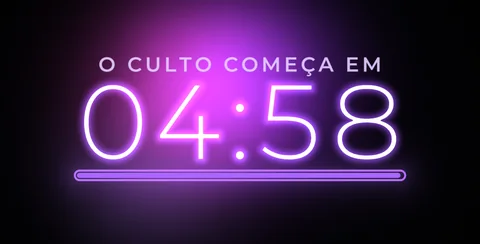 6. Roxo Gradiente
ready-made look: thin font with a purple glow
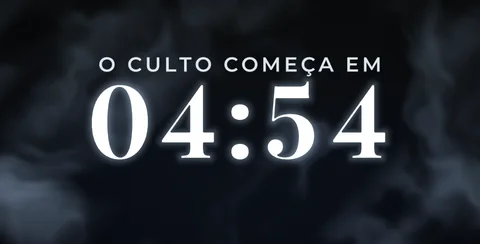 7. Nuvens
ready-made look: slow moving clouds
 8. Liquid
ready-made look: a liquid background in warm tones
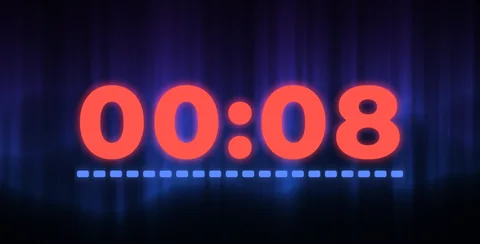
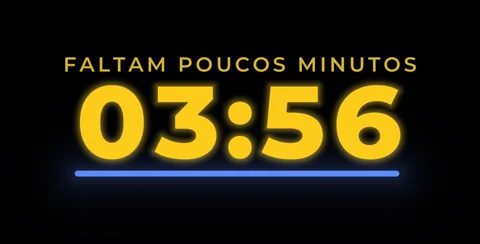 9. Troca de frase
the label changes by itself and the color goes green, yellow, red
 10. Cronômetro de palco
a sermon stopwatch that turns red when time runs over
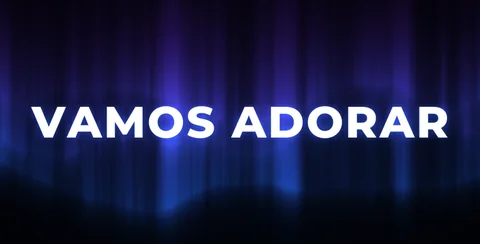 11. Mensagem no zero
at the end, a welcome message, and the next clip starts by itself
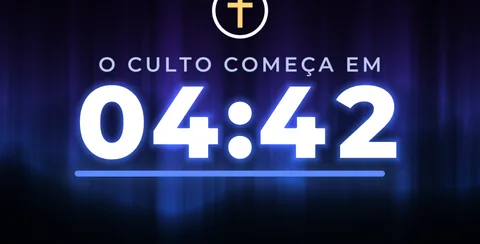 12. Logo da igreja
your logo above, below or beside the digits
Pick a ready-made look or hit Random. Font, background, colors, bar and animation come matched.
Timer, Clock (ends at service time), a sermon stopwatch with a limit, and a clock.
+1 min, -1 min, +10 s and -10 s without resetting. Map them to a controller or your phone.
Green, yellow and red as time runs out, and the label changes by itself.
At zero it shows a welcome message and, over OSC, triggers the opening video.
Aurora, Bokeh, Waves, Clouds, Stage, Stars and more, in your church colors, with your logo next to the digits.
Countdown FX puts the service countdown inside Resolume itself: no downloaded countdown video that never has the right length. Drop it on a clip (a black Solid Color works), pick one of 10 ready-made looks or hit Random, set the minutes and trigger it: it starts over every time. 4 modes: Timer, Clock (ends exactly at service time, from the Windows clock), Stopwatch (a sermon or worship timer that turns red when it runs over) and Current Time. Running late? +1 Min, -1 Min, +10 Sec and -10 Sec adjust it live without resetting, and you can map them to a controller or your phone. The label changes by itself as time runs out, with 11 ready-made labels or your own text, and stage colors go from green to yellow and red: great for the preacher's monitor. At zero it holds, blinks, fades out or shows a message (WELCOME and Portuguese options), and over OSC it triggers the next clip or column by itself: the countdown ends and the opening video starts. 14 backgrounds (Aurora, Bokeh, Light Rays, Waves, Clouds, Stage Lights, Starfield, Retro Grid, Liquid and more) with 9 palettes or your church colors, or a transparent background over your video, with dim and blur so the digits stay readable. Plus your church logo next to the digits, 5 fonts, solid, gradient or neon outline digits, 6 progress bar styles, and digit and intro animations.
The same controls you get in Resolume.
| Parameter | Range / options | Default |
|---|---|---|
| Look · Random | 10 ready-made looks; Random picks another (keeps time, label and logo) | — |
| Mode | Timer / Clock / Stopwatch / Current Time | Timer |
| Minutes · Seconds | countdown length; in Stopwatch, the limit (0 = no limit) | — |
| Start Hour · Start Minute | service time in Clock mode (Windows clock) | — |
| Restart · Pause · Restart On Trigger · Leading Zero · Show Seconds | restart, pause, restart on trigger, 04:59 or 4:59, seconds on the clock | — |
| +1 Min · -1 Min · +10 Sec · -10 Sec | live adjust without resetting (map to a controller or phone) | — |
| At Zero · Message · End Text | Hold 00:00 / Blink / Fade Out / Show Message (welcome messages or your own text) | — |
| OSC Action · OSC Layer · OSC Clip/Column · OSC Port · OSC Test | triggers the next clip or column at zero (Resolume OSC Input, port 7000) | — |
| Font · Size · Position X/Y | Bold / Light / Condensed / Digital / Classic; digits fit the screen width | — |
| Number Fill · Number Color · Number Color 2 · Glow | Solid / Gradient / Outline (neon), colors and glow | Solid |
| Digit Animation · Intro · Last 10s Highlight | None / Slide / Fade / Pulse; Fade / Zoom / Rise intro; pulse in the last 10 s | — |
| Stage Colors · Yellow At · Red At | green, yellow and red as time runs out (stage timer) | — |
| Label · Label 2 · Label 3 · Label 2 At · Label 3 At | 11 ready-made labels or Custom Text; changes by itself at the minutes you set | — |
| Label Position | above or below the digits | — |
| Logo · Logo Position · Logo Size | church PNG/JPG, above, below, left or right | — |
| Progress · Bar Width · Bar Thickness · Bar Direction | Bar / Thin Line / Outline / Segments / Dots / Screen Line; shrink or fill | — |
| Background | Transparent / Black / Solid Color / Aurora / Bokeh / Light Rays / Dust / Gradient / Waves / Clouds / Stage Lights / Starfield / Retro Grid / Liquid | — |
| Bg Palette · Bg Color 1 · Bg Color 2 · Bg Speed · Bg Brightness | 9 ready-made palettes or Custom, background motion and light | — |
| Input Dim · Input Blur | in Transparent, dims and blurs the video below | — |
Yes. It works in Resolume Arena and Avenue 7, on 64-bit Windows 10 or 11.
No. It runs well even on a laptop's integrated graphics (Intel or AMD). A dedicated card leaves headroom for more layers and effects.
Not yet. For now FX Suite plugins are Windows only.
The license is personal: install it on the computers you operate, including your church media team's. Just don't pass on or share the files.
You have a 7-day guarantee. Write to vfxsites@gmail.com and we refund you.
Yes. When a new version comes out, it shows up in My account marked “Update available”: sign in with your purchase email and download it, always the latest version.
Cuts the video into panels: rect, rounded, ellipse, diamond or window arch, with heights that morph over time.
Blinds that open and close to reveal the video, on a single fader or in time with the band.
Tiles that appear in waves, diagonals, from the center, at random or as a checkerboard.
Frame with independent rounded corners and a soft edge. Inverted, it becomes a vignette.