Panels FX
Cuts the video into panels: rect, rounded, ellipse, diamond or window arch, with heights that morph over time.
R$ 16,90 until 11/30
Control Resolume Arena and your LED wall from your phone: scan the QR code and play 45 effects, 28 overlays, chase across slices and one-tap scenes, no app and no MIDI controller.
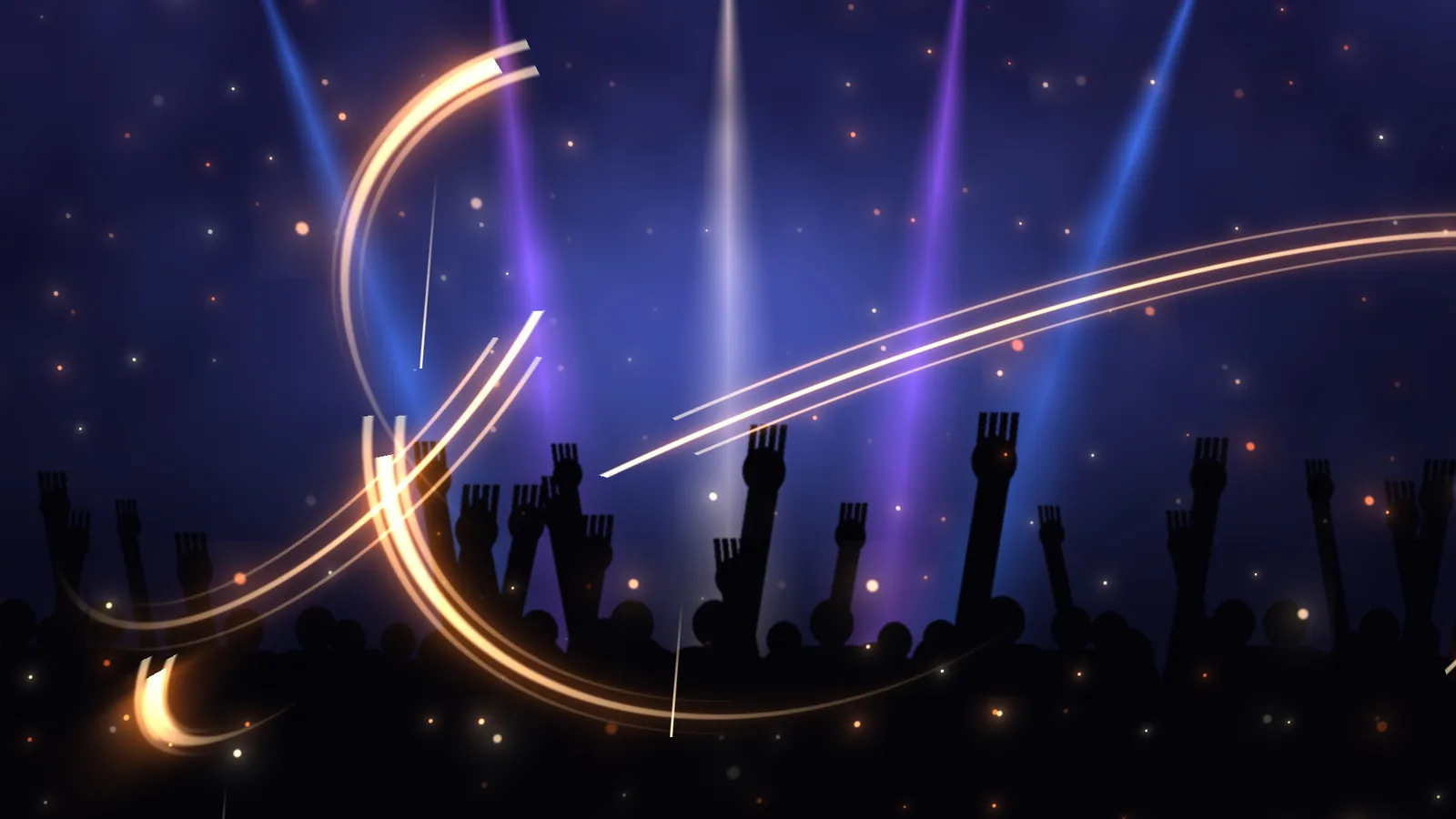
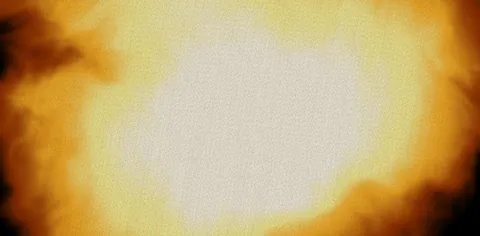 1. Golden Light Leak
a warm golden light leak filling the center of the screen
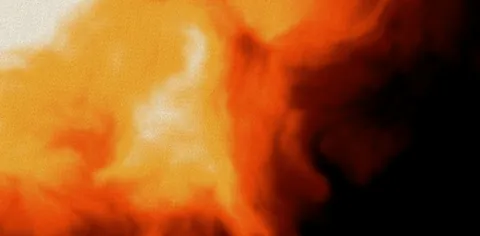 2. Orange Film Burn
an orange film burn sweeping across the screen
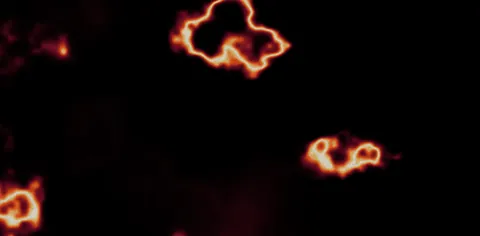 3. Film Burn (HARD)
a film burn from the HARD library: plays once (~4 s) and turns off by itself
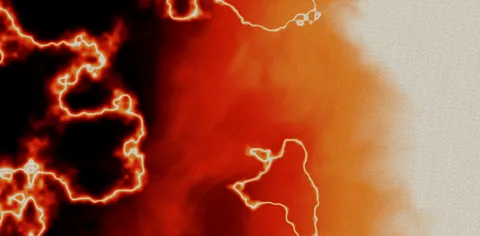 4. Burn + Leak
film burn and light leak together in a single scene
 5. Side Soft Leak
a soft light leak coming in from the side
 6. Diagonal Soft Leak
a soft diagonal light leak
 7. Corner Soft Leak
a soft light leak in the corner of the screen
 8. Right Soft Leak
a soft light leak on the right side
 9. Magenta Leak
a light leak switched to magenta
 10. 8mm Film
scratches, dust and the edges of 8mm film
 11. Light Streaks
golden light streaks crossing the screen
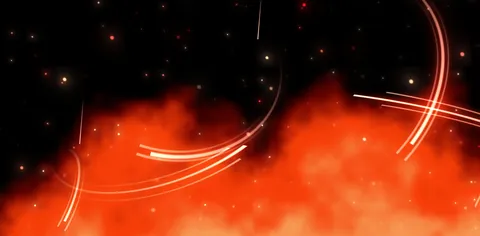 12. Sparks + Streaks
sparks and light streaks over fire
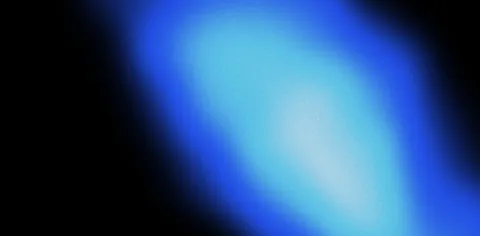 13. Blue Leak
a light leak switched to blue
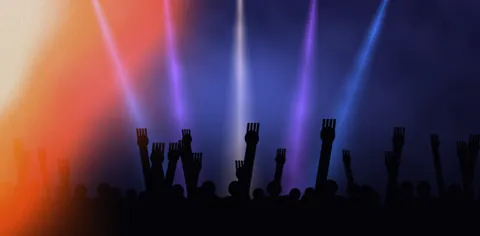 14. Stage Leak
a warm light leak over the stage video
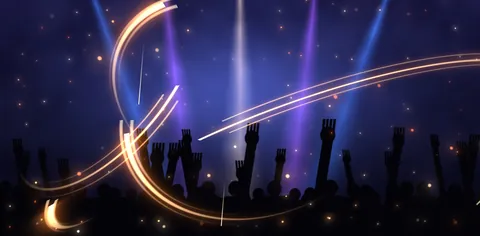 15. Light Streaks on Stage
light streaks and sparks over the stage video
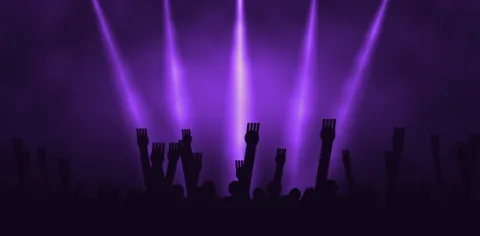 16. Purple Tint
the whole stage video tinted purple
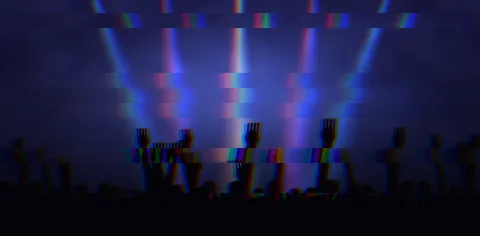 17. RGB Split
split colors with glitch cuts on the stage
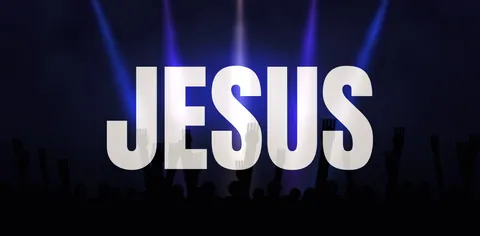 18. Giant Word
a huge word over the video, in one of the 7 fonts
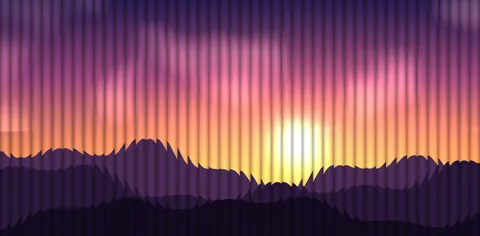 19. Fluted Sunset
the Fluted look (ribbed glass) over a sunset
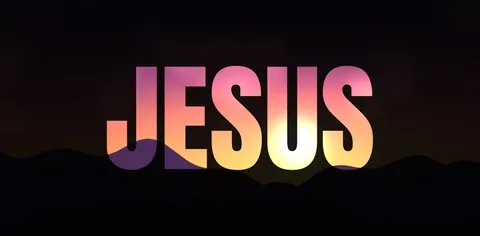 20. Knockout Word
the word showing the video inside it
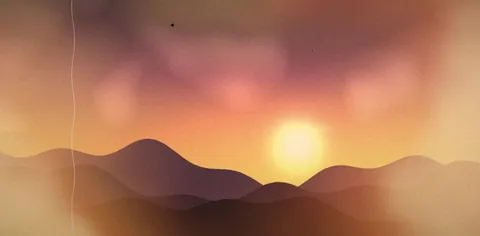 21. Grain + Scratch
film grain and scratches over a sunset
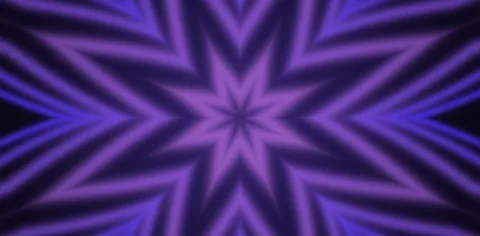 22. Kaleido
the video turned into a kaleidoscope
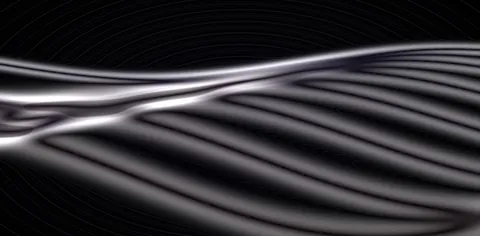 23. Mono + Wave
black and white with the video waving
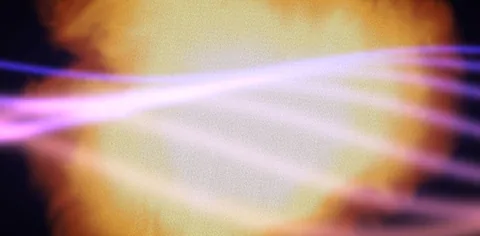 24. Burn + Streaks
a film burn with light streaks on top
Turn on Show QR, scan the QR code and the panel opens in your phone's or tablet's browser. Several devices can connect at the same time.
A giant word in 7 fonts, Duotone, Tint, Mono, Glow, Neon, BPM-synced strobe and flash, motion and glitch, all fading in and out.
9 film burns that play once and turn off by themselves, 6 scratches and dust and 13 soft light leaks, with thumbnails and color change.
Chase, Wipe, Scan and Sparkle across the Advanced Output slices or a grid of columns and rows, on the BPM.
Build the look, save it as a scene with a name and color and fire everything with one tap. Export your scenes to take them to another PC.
In the Layers tab, each layer's opacity and speed and the crossfader, right from your phone. Plus 12 free buttons for shortcuts, clips, columns or OSC.
Pad FX turns your phone or tablet into a Resolume Arena controller. Put the effect on the composition, turn on Show QR, scan it with your phone and you're done: the panel opens in the browser, no app to install. There are 45 effects that fade in and out, in groups: film overlays (light leaks, film burn, 8mm, scribble, light streaks, sparks and flare), a giant word over the camera with 7 fonts, color looks (Duotone, Tint, Mono, Glow, Neon and more), BPM-synced strobe and flash, chase, wipe and scan across the Advanced Output slices, motion (zoom, shake, mirror, kaleido) and glitch. It also comes with a library of 28 overlays with thumbnails: 9 film burns that play once and turn off by themselves, 6 film scratches and dust and 13 soft light leaks, all with color change. Build the look, save it as a scene with a name and color and fire everything with one tap during the service. The Layers tab controls each layer's opacity and speed and the crossfader. You also get 12 free buttons for keyboard shortcuts, clips, columns or OSC, a panel lock so nobody changes anything by accident, and scene export to take your setup from one PC to another. Several phones can connect at the same time.
The same controls you get in Resolume.
| Parameter | Range / options | Default |
|---|---|---|
| Show QR · Phone URL | shows the QR code on the output for the phone to scan (turn it off once connected) · the address to type on the phone, if you prefer | — |
| Pads | the phone's pads also show in the effect panel and can be mapped to MIDI | — |
| Color · Overlay Colors · Burn/Leak Color | effect color · overlay palette (8 palettes) · color of the HARD (film burns) and SOFT (light leaks) | — |
| Strobe Rate | Strobe speed, on the BPM | — |
| Intensity · Dimmer · FX Amount | intensity · dimmer (e.g. low for a prayer moment) · effect amount | — |
| FX Fade | the fade every effect uses to come in and out | — |
| Chase | Chase, Wipe, Scan and Sparkle across the Advanced Output slices or a grid of columns and rows | — |
| Word | the giant word: 7 fonts, word effects, size and position in px or on a slice | — |
| Overlay Preset | library overlay: HARD 01-09, SCRATCH 01-06 or SOFT 01-13 | — |
| OVERLAYS group | Light Streaks, Sparks, Film Burn, Light Leak, Brushed, 8mm, Scribble and Flare, with 8 color palettes and speed | — |
| Library (28 overlays) | with thumbnails: HARD 01-09 (film burns that play once, ~4 s, and turn off by themselves) · SCRATCH 01-06 (scratches, dust and film damage) · SOFT 01-13 (soft light leaks); switching overlays crossfades | — |
| LOOK & WORD group | giant word, Duotone, Fluted, Tint, Mono, Invert, Glow, Vignette, Poster and Neon | — |
| FLASH & STROBE group | Strobe (BPM-synced), Flash, Hit, Pulse and Beat | — |
| CHASE group | Chase, Wipe, Scan and Sparkle across the slices or a grid | — |
| MOTION group | Punch, Zoom, Shake, Freeze, Mirror, Kaleido, Spin, Wave, Slide and Tile | — |
| GLITCH & TEXTURE group | RGB Split, Glitch, Pixel, Blur, CRT, VHS, Grain and Halftone | — |
| MY BUTTONS group | 12 free buttons for Resolume keyboard shortcuts, clip/column triggers or OSC | — |
No. The panel opens in your phone's or tablet's browser: turn on Show QR in Pad FX and scan the QR code (or type the address from the Phone URL field). Several devices can connect at the same time.
No. Pad FX only works in Resolume Arena 7.x, on Windows 64-bit.
The phone has to be on the same Wi-Fi network as the computer (guest networks often block it). And run Install.bat accepting the administrator prompt: that's what lets the phone through the Windows Firewall.
For the Layers tab (each layer's opacity and speed and the crossfader), to use Arena's own BPM and to trigger columns and clips. Turn it on in Preferences > Webserver, port 8080.
Yes. In Setup > Take scenes to another PC, tap Export; on the other computer, tap Import and choose the file. You can also copy it as text and send it on WhatsApp.
No. It runs well even on a laptop's integrated graphics (Intel or AMD). A dedicated card leaves headroom for more layers and effects.
Not yet. For now FX Suite plugins are Windows only.
The license is personal: install it on the computers you operate, including your church media team's. Just don't pass on or share the files.
You have a 7-day guarantee. Write to vfxsites@gmail.com and we refund you.
Yes. When a new version comes out, it shows up in My account marked “Update available”: sign in with your purchase email and download it, always the latest version.
Cuts the video into panels: rect, rounded, ellipse, diamond or window arch, with heights that morph over time.
Blinds that open and close to reveal the video, on a single fader or in time with the band.
Tiles that appear in waves, diagonals, from the center, at random or as a checkerboard.
Frame with independent rounded corners and a soft edge. Inverted, it becomes a vignette.