Panels FX
Cuts the video into panels: rect, rounded, ellipse, diamond or window arch, with heights that morph over time.
R$ 16,90 until 11/30
A live photo wall in Resolume: guests send photos and they land on the screen by themselves. 22 modes and 12 party themes.
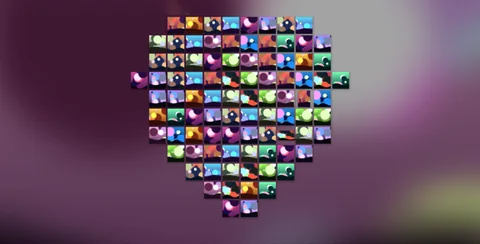 1. Heart Wall
photos form a pulsing heart: weddings and sweet sixteens
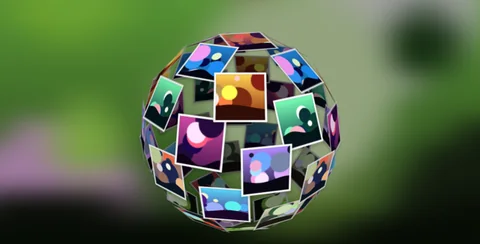 2. Photo Sphere
a 3D globe of photos spinning in the middle of the screen
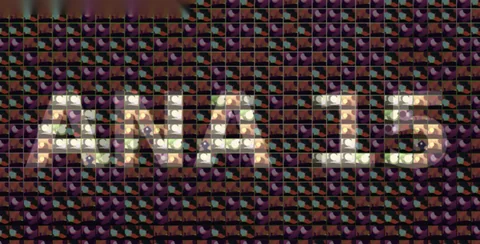 3. Mosaico com o nome
the guests' photos spell out the event name
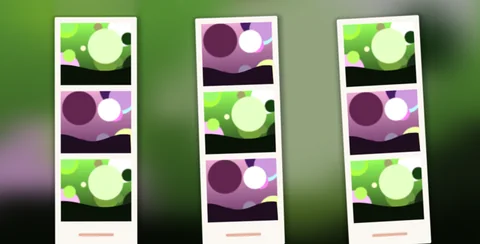 4. Photo Booth
photo booth strips, 3 photos each, that keep refreshing
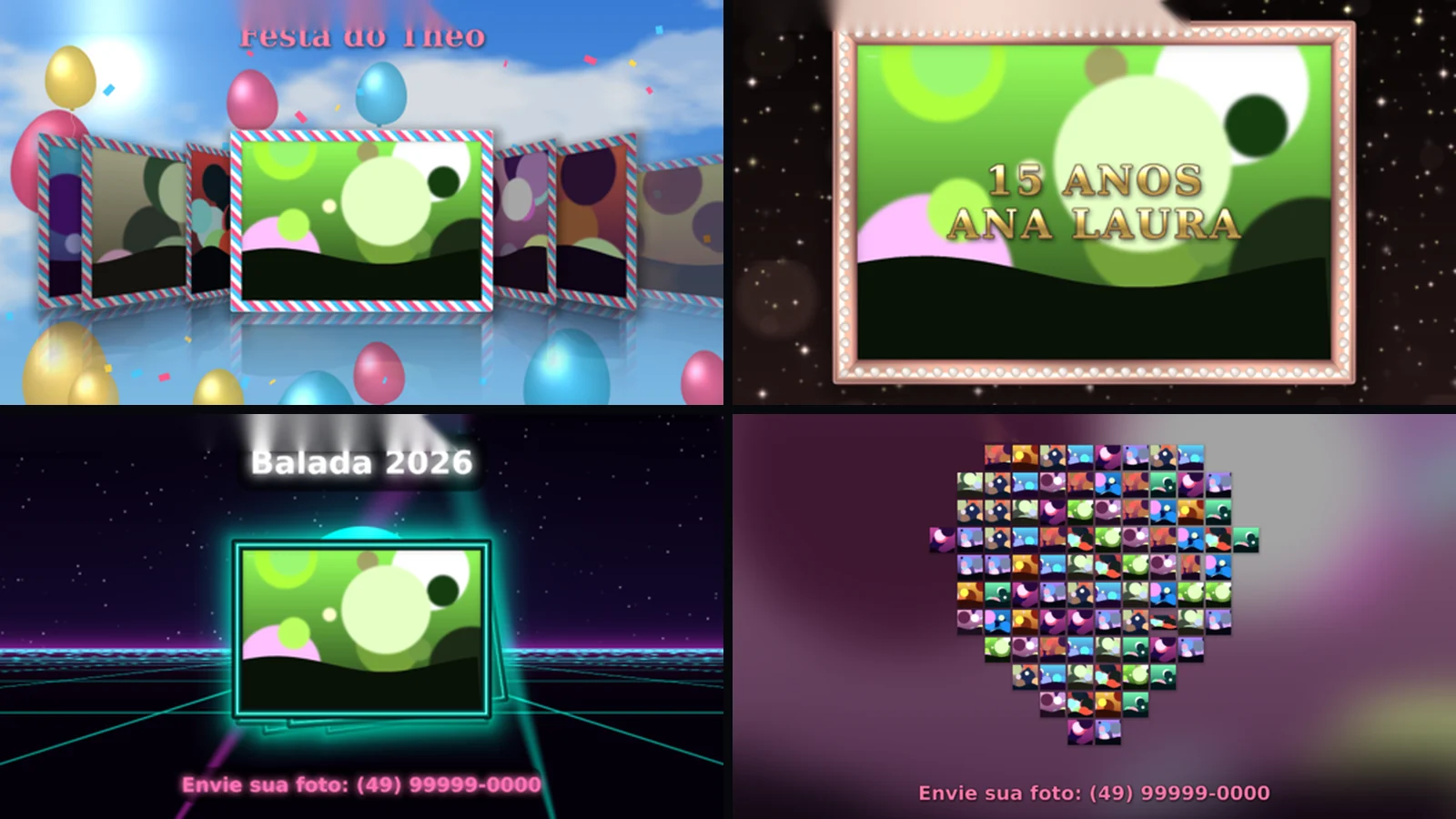
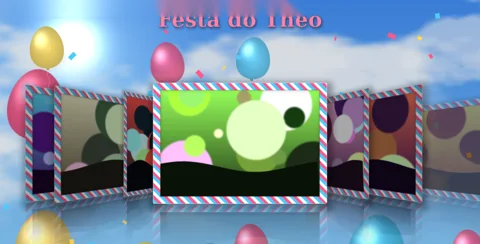 5. Tema Kids Party
sky, balloons and confetti: a kids party in one click
 6. Tema 15 Anos
rose gold and pearls, with a metallic two-line title
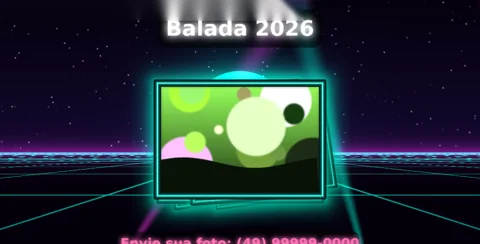 7. Tema Neon Party
a neon grid and light beams for the party
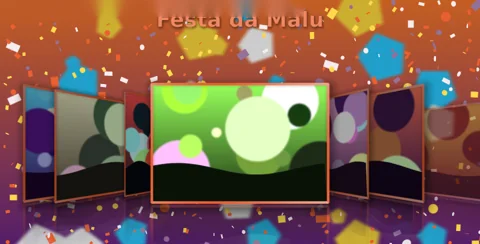 8. Tema da sua arte
upload the party artwork: it becomes the background and sets the colors
Save the photo to the event folder and it goes on screen by itself, highlighted, without touching Resolume.
Sweet sixteen, wedding, corporate, kids, neon, graduation and more: frame, colors, background and decor in one click.
A pulsing heart, a 3D globe, photo booth strips, a clothesline, photo rain, Cover Flow, a name mosaic and more.
Upload the party artwork: it becomes the background and sets the frame and text colors.
Title and a “send your photo” call with 21 fonts or your own, metallic, gradient, glow and animation.
Smart Crop never cuts faces, Hide Current pulls a photo off air and Approval holds photos until you approve.
Photo Wall FX turns the party screen into a live photo wall, right inside Resolume. Pick the event folder and you're done: every new photo that lands in it goes on screen by itself, without touching Resolume. Got a photo on WhatsApp? Save it straight to the folder, and with Highlight New it shows up big for a few seconds before joining the wall. 22 modes: slideshow (Fade, Ken Burns, Slide, Zoom), 3D (Cube, Flip, Cover Flow and Ring Carousel), walls (Photo Grid, Grid Spotlight, Infinite Wall and Filmstrip), creative (Polaroid Table, clothesline with fairy lights, photo rain, tunnel, collage and mosaic) and shapes (a pulsing heart, a 3D globe, a card stack and photo booth strips). The 12 party themes switch frame, colors, animated background, decorations and font at once: Sweet Sixteen (15 Anos), Wedding, Corporate, Kids Party, Neon Party, Graduation, Christmas, Football, Galaxy, Under the Sea, Fairy Tale and Super Hero. With From Image you upload the party artwork and the plugin uses it as the background and takes its colors. The event name and a call to action go on screen, with 21 fonts or your own, metallic, gradient, outline, glow and animation, and Photo Mosaic can spell the guest of honor's name with the guests' photos. For a stress-free operator: Smart Crop never cuts faces, Hide Current pulls a photo off the air instantly, Approval mode holds new photos until you approve them, and photos with "fav" in the name show up more often. BPM sync, a title intro, and it reads JPG, PNG, WEBP, TIFF, AVIF and iPhone HEIC.
The same controls you get in Resolume.
| Parameter | Range / options | Default |
|---|---|---|
| Mode | 22 modes: Fade, Ken Burns, Slide, Zoom, Cube 3D, Flip 3D, Cover Flow, Ring Carousel, Photo Grid, Grid Spotlight, Infinite Wall, Filmstrip, Polaroid Table, Clothesline, Photo Rain, Tunnel, Collage, Photo Mosaic, Heart Wall, Photo Sphere, Card Stack, Photo Booth | — |
| Event Theme | Super Hero / Fairy Tale / Wedding / 15 Anos / Corporate / Kids Party / Neon Party / Galaxy / Under the Sea / Football / Graduation / Christmas / From Image / Manual | — |
| Folder · Reload · Order | event folder (new photos come in by themselves), reload, by name / random / newest first | — |
| Highlight New · Highlight Time | a new photo shows up big for a few seconds | — |
| Auto Next · Duration · Transition · Speed | auto advance, time per photo, transition and speed of scrolling modes | — |
| Fit · Size · Density · Spacing · Tilt · Reflection | fit, photo size and count, spacing, 3D tilt and reflection | — |
| Frame · Frame PNG · Corners · Shadow · Filter | 15 frames (Polaroid, Gold, 15 Anos Pearls, Wedding, Neon, Glitter…) or your own PNG, corners, shadow and filter | — |
| Theme · Color · Background · Bg Dim | colors (Rose Gold, Gold, Lilac, Neon…), background: input clip, blurred photo, gradient, black or transparent | — |
| Theme Image · Image Blur | the From Image artwork and background blur | — |
| Title · Subtitle · Caption | event name, call to action and caption from the file name | — |
| Typeface · Font File · cores · Fill Style | 21 fonts or your own (.ttf/.otf), title and subtitle colors, solid, gradient or metallic | — |
| Outline · Text Shadow · Text Glow · Text Box · Text Animation | outline, shadow, glow, text box and animation (Pulse, Float, Shine) | — |
| Logo · Logo Position · Logo Size | event or company logo as PNG | — |
| Mosaic Image · Mosaic Tint · Mosaic Target | the mosaic forms the photos, an image or the title text | — |
| Smart Crop · Favorites · Hide Current · Approval | never cuts faces, favorites show more, pull a photo off air, approval before it goes on | — |
| Play Intro · Intro on Launch · Intro Time | an intro with the title | — |
| Sync · Beats | Time or BPM (changes every 1, 2, 4, 8 or 16 beats) | Time |
| Decor · Decor Layer | amount of theme decorations, behind or in front of the photos | — |
Pick the event folder in the plugin. Every photo that lands in it goes on screen by itself, without touching Resolume: just save the photos you get on WhatsApp, by phone or from the photographer.
Yes. It reads JPG, PNG, WEBP, TIFF, AVIF and iPhone HEIC too (with the free Microsoft Store extensions). Rotated photos are fixed automatically.
Hide Current pulls it off air instantly. And in Approval mode new photos wait for you to approve them.
As many as you like. The license is per operator: use it at your events and on the computers you operate, just don't share the files.
Yes. It works in Resolume Arena and Avenue 7, on 64-bit Windows 10 or 11.
No. It runs well even on a laptop's integrated graphics (Intel or AMD). A dedicated card leaves headroom for more layers and effects.
Not yet. For now FX Suite plugins are Windows only.
On the computers you operate at your events. The license is per operator, so just don't pass on or share the files.
You have a 7-day guarantee. Write to vfxsites@gmail.com and we refund you.
Yes. When a new version comes out, it shows up in My account marked “Update available”: sign in with your purchase email and download it, always the latest version.
Cuts the video into panels: rect, rounded, ellipse, diamond or window arch, with heights that morph over time.
Blinds that open and close to reveal the video, on a single fader or in time with the band.
Tiles that appear in waves, diagonals, from the center, at random or as a checkerboard.
Frame with independent rounded corners and a soft edge. Inverted, it becomes a vignette.