Panels FX
Cuts the video into panels: rect, rounded, ellipse, diamond or window arch, with heights that morph over time.
R$ 16,90 until 11/30
Wipes on your Advanced Output slices, synced to the BPM: 16 Looks, 13 shapes and 12 modes.
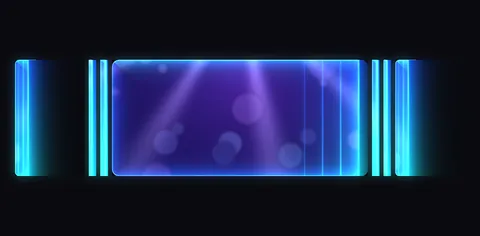 1. Neon Sweep
a straight wipe with a neon edge, slice by slice
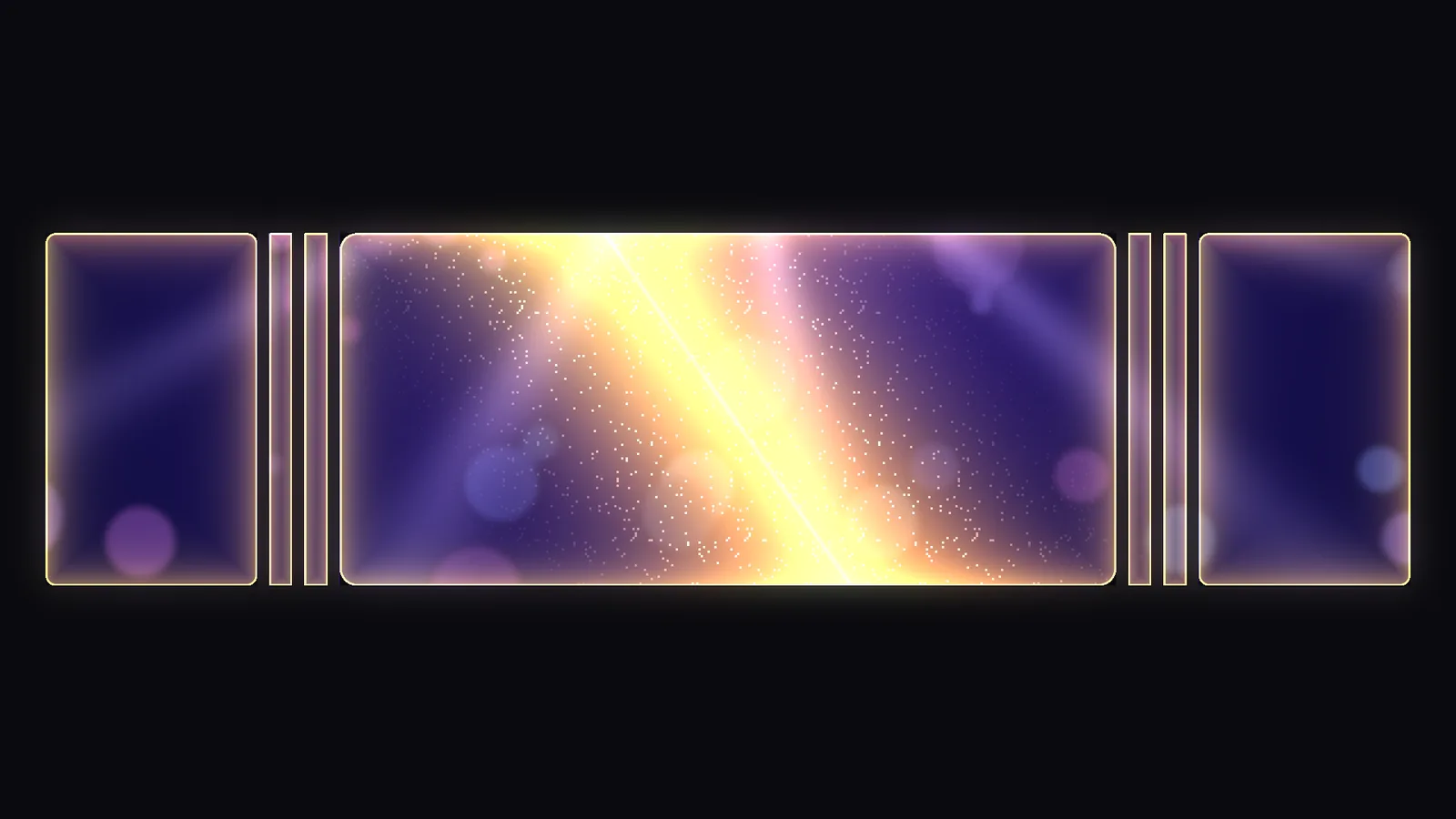
 2. Golden Shine
a golden band of light sweeping over the video
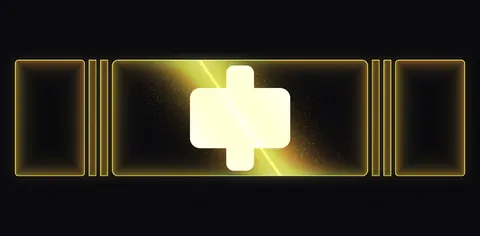 3. Golden Shine na Logo
the golden light passes over the logo without hiding anything (Reveal = Shine)
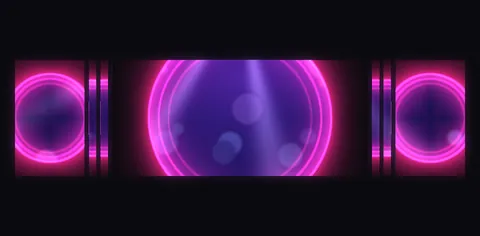 4. Iris Pop
circles opening from the center of each slice
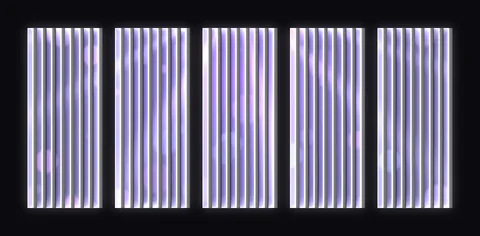 5. Blinds Flash
bright white vertical blinds
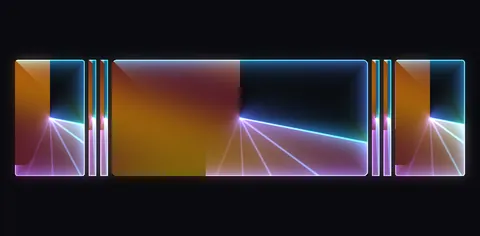 6. Clockwork
a hand sweeps the slice like a clock
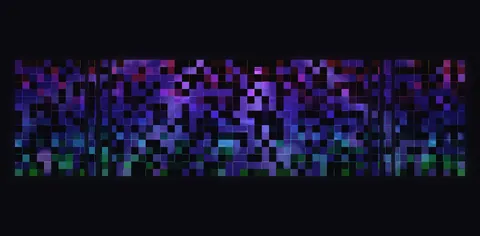 7. Pixel Storm
the video appears in little squares
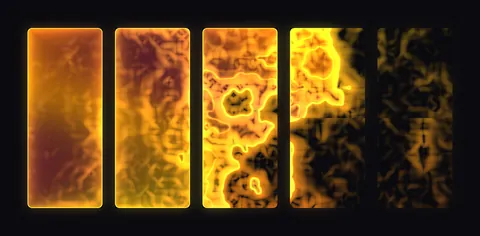 8. Liquid Gold
liquid gold flowing over each slice
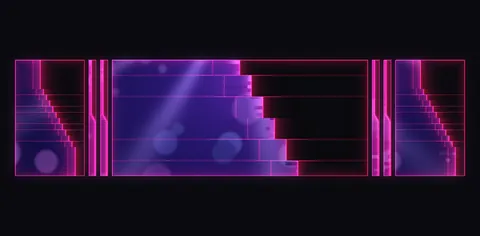 9. Glitch Cut
the wipe steps down with glitch cuts
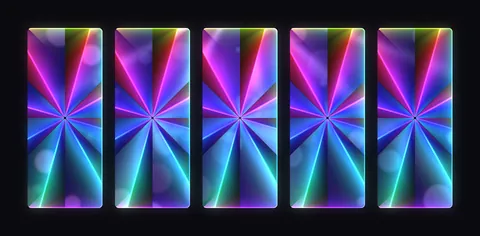 10. Rainbow Rays
rainbow rays opening from the center
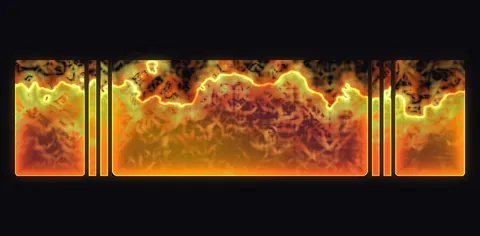 11. Fire Burn
a fiery edge burns across the whole LED wall
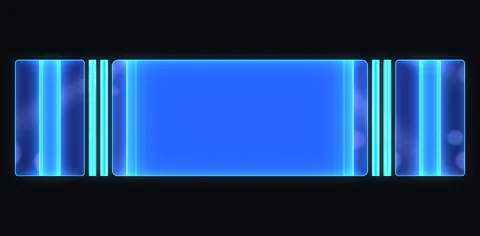 12. Color Wipe Duo
a color covers the clip, with a neon edge
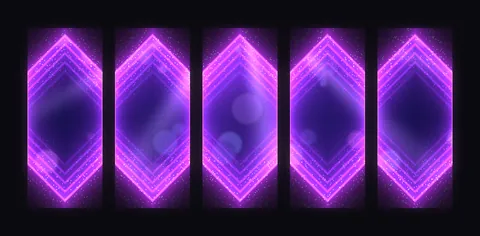 13. Diamond Strobe
diamonds with glow and sparks
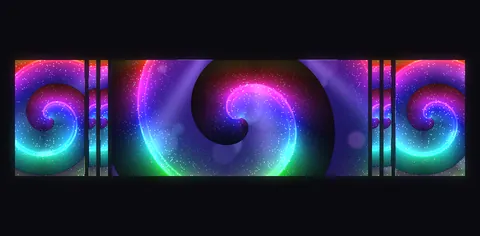 14. Spiral Galaxy
a colorful spiral full of stars
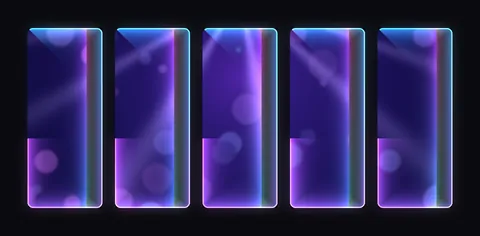 15. Frame Draw
the border draws itself around each slice
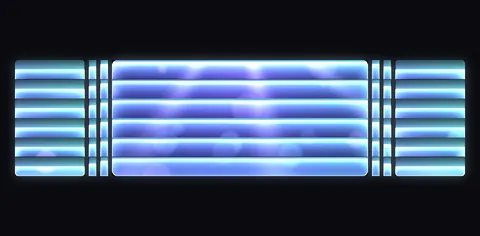 16. Ice Blinds
horizontal blinds with an icy glow
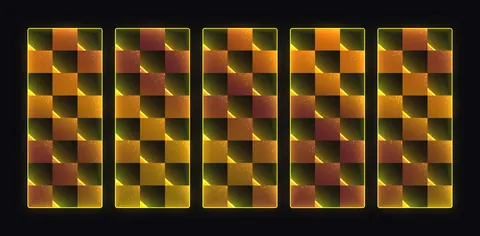 17. Checker Pop
a golden checkerboard opening on each slice
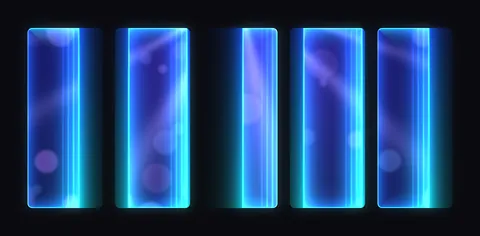 18. Scanner
Scanner mode: a band of light crosses each slice
Reads Resolume Arena's Advanced Output: pick the screen and the wipe runs on your slices. Nothing to map again.
Neon Sweep, Golden Shine, Iris Pop, Fire Burn, Frame Draw and more. Or hit Randomize: a new look with every click.
Linear, Blinds, Iris, Clock, Spiral, Pixels, Liquid and even your own black-and-white image as the wipe shape.
Loop, Ping-Pong, One Shot, Pulse, Scanner, Wave, Toggle and more, with easing and Trigger In/Out on MIDI.
Slice Looks gives each slice its own look, Join Slices merges touching ones and you set the order (Center Out, Random, Custom).
A band of light passes over logos and text without hiding anything. Great for the opening of the service.
Sweep FX plays wipes right on the Advanced Output slices in Resolume Arena, in time with the music. Pick one of 16 ready-made Looks (Neon Sweep, Golden Shine, Iris Pop, Fire Burn, Frame Draw and more) or build your own: 13 shapes (Linear, Blinds, Iris, Clock, Spiral, Pixels, Liquid and even your own black-and-white image), a glowing edge, rounded corners and effects like Chromatic, Glitch and Sparks. There are 12 motion modes, from Loop and Ping-Pong to Pulse, Scanner, Wave and Toggle, with BPM Sync, easing and Trigger In/Out for MIDI mapping. Each slice can have its own Look (Slice Looks), touching slices become a single shape (Join Slices), and the wipe can run per slice, across the whole LED wall or full frame, in any order you like (Center Out, Random, Custom). Shine mode sweeps a band of light over logos and text without hiding anything, and Randomize creates a new look with every click.
The same controls you get in Resolume.
| Parameter | Range / options | Default |
|---|---|---|
| SLICES · Screen | All Screens or one Advanced Output screen, with its slice count | — |
| SLICES · Slices | all · 1, 3, 5-7 · slice names (e.g. Center, Left Side) | — |
| SLICES · Join Slices | slices joined with + (e.g. 1+7, 2+6) move together; touching ones become one shape | — |
| SLICES · Solo Slice | one slice by name, from the list; All (Slices field) uses the Slices field | — |
| SLICES · Show Names | on/off: screen, active slices and each slice name on the wall | — |
| SLICES · Scope | Per Slice · Whole Wall (one wipe across the whole LED) · Full Frame (ignores slices) | — |
| SLICES · Order · Custom Order | Left > Right, Right > Left, Top > Bottom, Bottom > Top, Center Out, Outside In, Random, Custom (e.g. 1+7, 2+6, 3+5, 4) | — |
| SLICES · Stagger | 0 = all together · 1 = one after another | — |
| SLICES · Reload Slices · Setup File | reloads the slices / picks the Advanced Output preset file | — |
| LOOK · Look | 16 ready-made Looks (Neon Sweep, Golden Shine, Iris Pop, Fire Burn, Frame Draw, Ice Blinds, Checker Pop…) · Custom · Random | — |
| LOOK · Randomize · Shuffle Shapes | button: a new look with every click · changes the shape by itself every cycle | — |
| LOOK · Slice Looks | one Look per slice (e.g. 1=Iris Pop; 2,3=Golden Shine; Center=Neon Sweep); no rule = main Look | — |
| SHAPE · Shape | Look or one of 13 shapes: Linear, Split, Blinds, Iris, Diamond, Clock, Checker, Pixels, Liquid, Steps, Rays, Spiral, Luma Image | Look |
| SHAPE · Angle | rotates the wipe (0 = the Look's angle, 0.25 = +90°) | 0 |
| SHAPE · Count · Softness | 0 = the Look's; above 0: 1 to 32 bands/cells and your own softness | 0 |
| SHAPE · Invert · Direction | inverts the wipe · Same, Alternate, Mirror (from the center), Random | — |
| SHAPE · Luma Image | a black & white image becomes the wipe shape (black reveals first, white last) | — |
| EDGE · Edge Width · Edge Glow | width and glow of the wipe edge | — |
| EDGE · Colors · Color Mode | Look (the Look's colors) or Custom (yours) · Solid, Gradient, Rainbow, Video | — |
| EDGE · Hue 1 · Hue 2 · Saturation | your own colors, in Custom mode | — |
| EDGE · Edge FX · FX Amount | Chromatic, Ripple, Glitch, Sparks, Burn and their amount | — |
| EDGE · Trails | ghost lines behind the edge | — |
| EDGE · Impact Flash | flash when the wipe ends (0 = off) | 0 |
| BORDER · Border | Look · Off · Static (always on) · Follow Wipe (appears with the wipe) · Draw (the border draws itself around the slice) | — |
| BORDER · Border Width · Corner Radius · Border Glow | border width, rounded corners and border glow | — |
| MOTION · Mode | Loop In-Out, Loop In, Ping-Pong, In-Hold-Out, One Shot, Manual, Out-Hold-In, Pulse, Scanner, Wave, Random Slices, Toggle | — |
| MOTION · Out Style | Continue (the exit goes the same way) · Reverse (goes back) | — |
| MOTION · BPM Sync · Beats · Seconds | on the BPM: 1/4 to 16 beats · without BPM: 0 = 0.2 s, 1 = 10 s | — |
| MOTION · Easing | Linear, Smooth, Expo, Bounce, Elastic, Back | — |
| MOTION · Position | in Manual mode, it's the wipe fader (great for MIDI) | — |
| MOTION · Trigger In · Trigger Out · Reset | buttons: restarts the wipe (One Shot plays in once and holds) · plays the exit · back to the start | — |
| OUTPUT · Reveal | Clip (reveals) · Hide (hides) · Shine (a light band over it, hiding nothing) · Color Wipe (a color covers the clip) | — |
| OUTPUT · Background | Transparent / Black | — |
| OUTPUT · Mix | blends with the original | — |
Put Sweep FX on the logo clip and set Reveal = Shine, Look = Golden Shine and Mode = Loop In. The band of light passes over the logo without hiding anything, and it looks great on logos and text with a transparent background.
Set Mode = One Shot and map Trigger In to a key or MIDI. Every hit plays the wipe in once and holds.
Set Order = Center Out and Direction = Mirror: the wipe starts from the center and the sides move mirrored.
Yes. It works in Resolume Arena and Avenue 7, on 64-bit Windows 10 or 11.
No. It runs well even on a laptop's integrated graphics (Intel or AMD). A dedicated card leaves headroom for more layers and effects.
Not yet. For now FX Suite plugins are Windows only.
The license is personal: install it on the computers you operate, including your church media team's. Just don't pass on or share the files.
You have a 7-day guarantee. Write to vfxsites@gmail.com and we refund you.
Yes. When a new version comes out, it shows up in My account marked “Update available”: sign in with your purchase email and download it, always the latest version.
Cuts the video into panels: rect, rounded, ellipse, diamond or window arch, with heights that morph over time.
Blinds that open and close to reveal the video, on a single fader or in time with the band.
Tiles that appear in waves, diagonals, from the center, at random or as a checkerboard.
Frame with independent rounded corners and a soft edge. Inverted, it becomes a vignette.