Panels FX
Cuts the video into panels: rect, rounded, ellipse, diamond or window arch, with heights that morph over time.
R$ 16,90 until 11/30
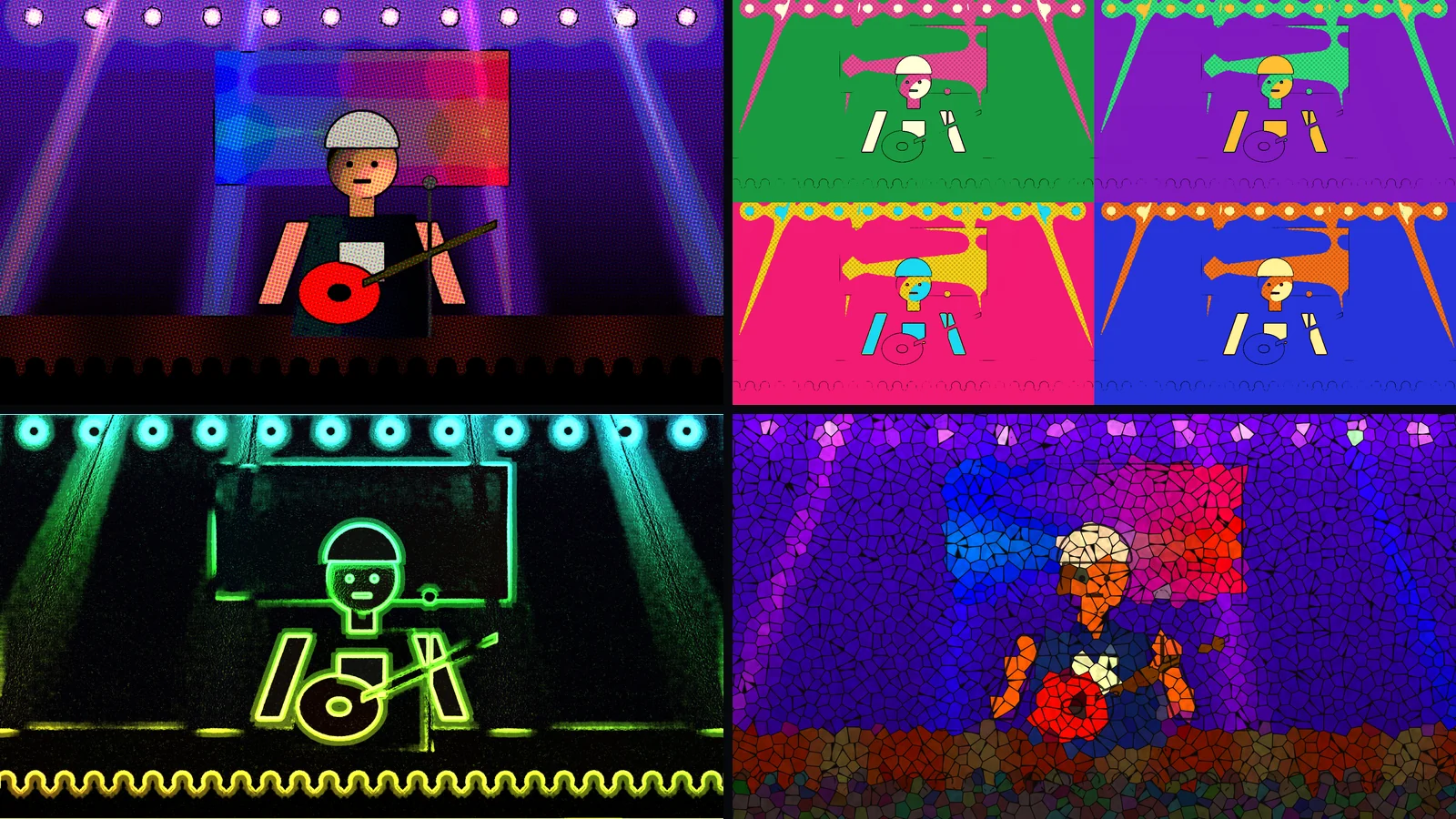
Your live camera turns into art: 25 styles, from cartoon, anime and comics to stained glass, neon, pixel art and watercolor, in Resolume.
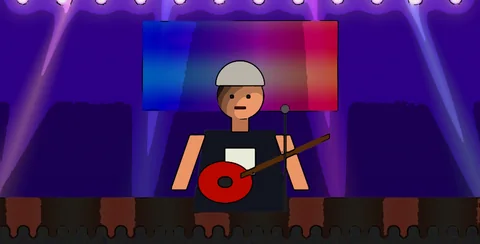 1. Cartoon
bold black lines and flat colors, like a cartoon
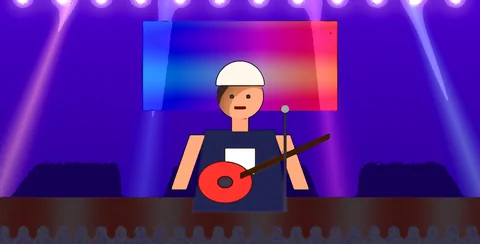 2. Anime
vivid colors and two-tone shading, anime style
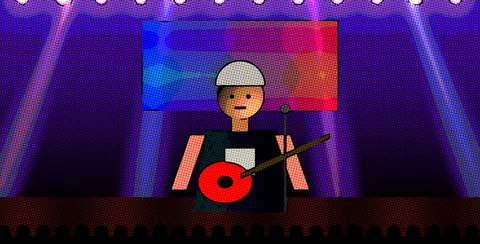 3. Comic
halftone dots and comic book outlines
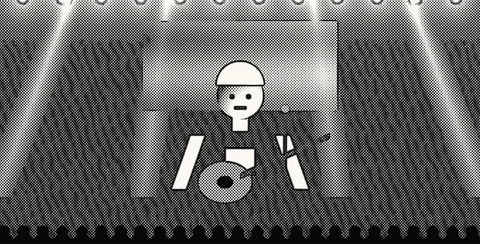 4. Manga
black and white with screentone, like a manga page
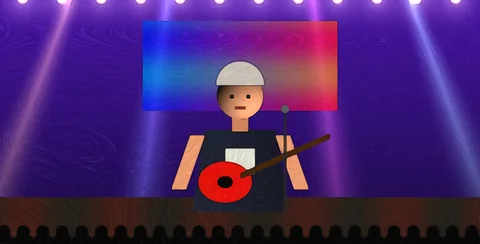 5. Oil Paint
oil paint brushstrokes
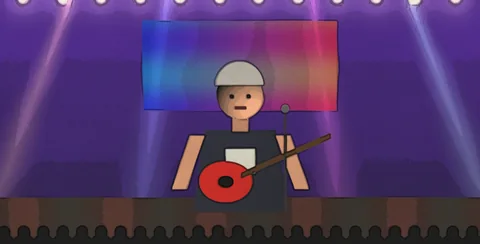 6. Watercolor
soft watercolor with paper bleed
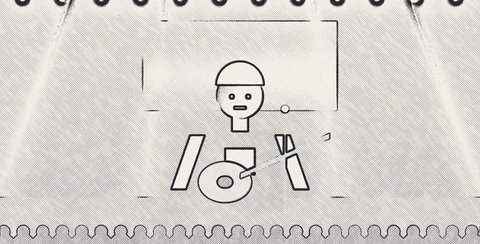 7. Sketch
pencil sketch on white paper
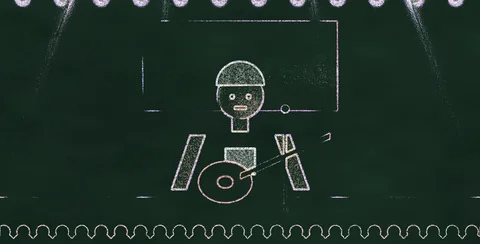 8. Chalk
white chalk on a blackboard
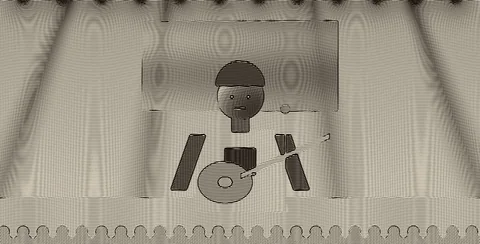 9. Engraving
fine-line engraving, like a banknote
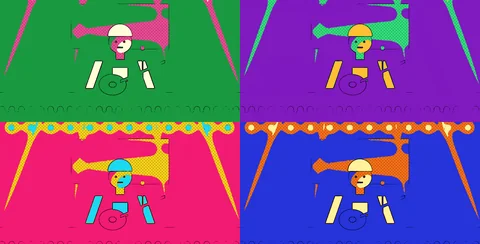 10. Pop Art
four colorful panels, Warhol style
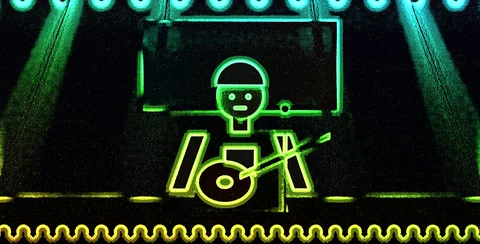 11. Neon
glowing neon outlines in the dark
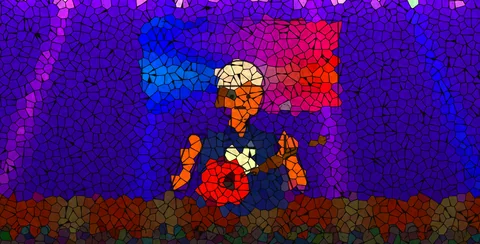 12. Stained Glass
stained glass made of colored pieces
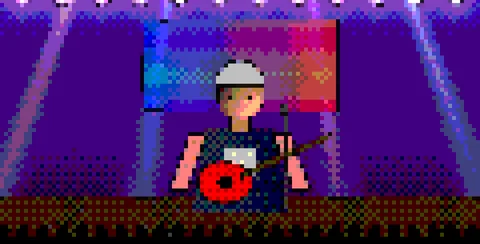 13. Pixel Art
big pixels, like an old video game
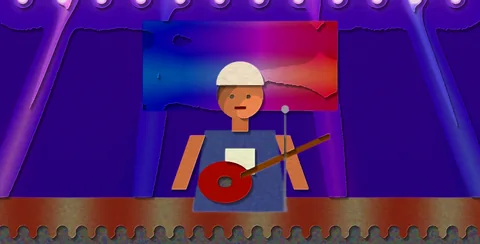 14. Paper Cut
layers of cut paper
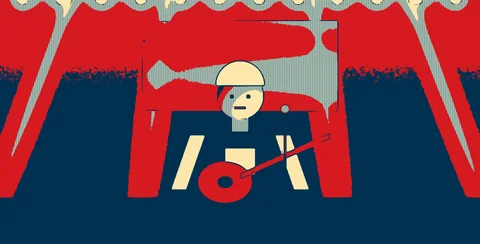 15. Poster
a few-color poster look
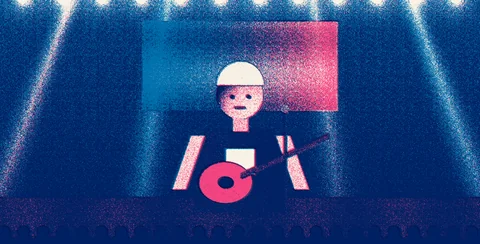 16. Risograph
risograph print with grain and misregistration
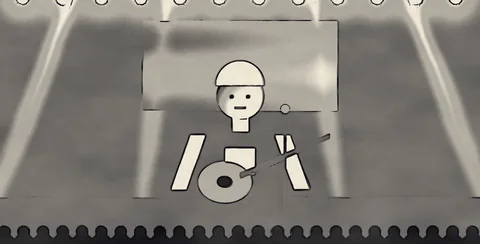 17. Ink Wash
ink wash in shades of gray
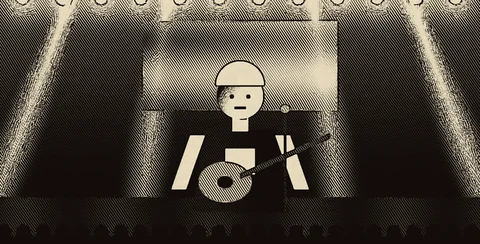 18. Woodcut
black and cream woodcut
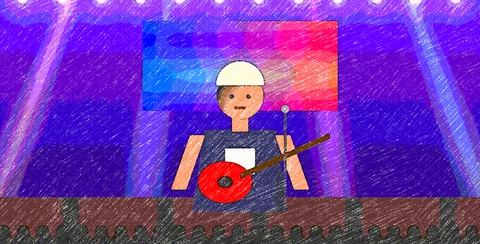 19. Crayon
colorful crayon
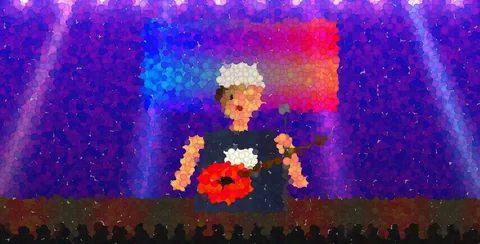 20. Pointillism
pointillism, the picture made of dots
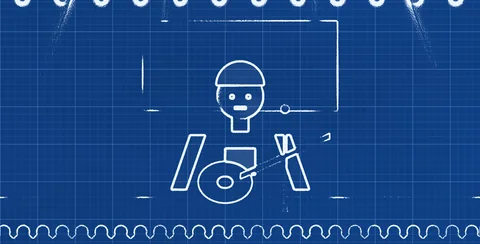 21. Blueprint
a technical blueprint
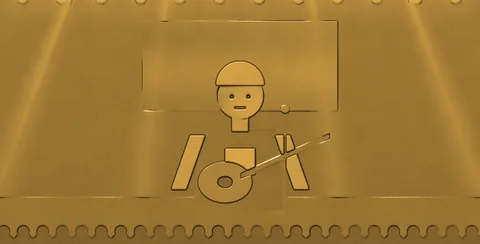 22. Golden
all in gold, like a statue
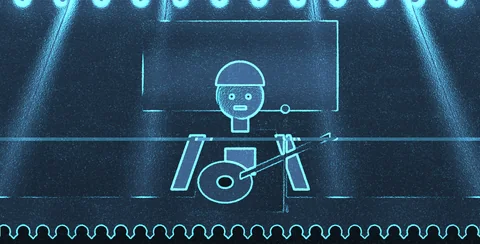 23. Hologram
a blue hologram with scan lines
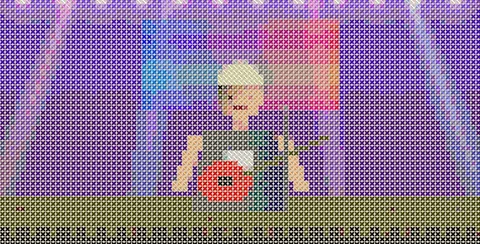 24. Cross Stitch
cross-stitch embroidery
Cartoon, anime, comic, manga, oil, watercolor, stained glass, neon, pixel art, pop art, hologram and more.
Works with a capture card, NDI or webcam, live, with nothing to render.
Amount and width of lines, colors, saturation, texture and your own accent color.
Lines wobble like animation (Boil) and pulse on the beat.
Stability keeps the artwork from flickering when the camera moves.
Random and Auto change style every 4 to 32 bars, with a smooth morph.
Toon FX turns your camera feed (capture card, NDI or webcam) into live artwork, right in Resolume, with nothing to render. 25 styles: Cartoon, Anime, Comic, Manga, Oil Paint, Watercolor, Sketch, Chalk, Engraving, Pop Art, Neon, Stained Glass, Pixel Art, Paper Cut, Poster, Risograph, Ink Wash, Woodcut, Crayon, Pointillism, Blueprint, Golden, Hologram, ASCII and Cross Stitch. In every one you set the lines (amount and width), the number of colors, saturation, smoothing, texture, scale and exposure, and you can shift the hue or use your own accent color. Lines can wobble like hand-drawn animation (Boil) and pulse on the beat, and Stability holds the picture steady when the camera moves. With Random and Auto it switches styles by itself every 4, 8, 16 or 32 bars with a smooth morph, and you pick all styles, only colorful ones, only black and white or only soft ones. The background can be transparent, to sit over another layer, or black.
The same controls you get in Resolume.
| Parameter | Range / options | Default |
|---|---|---|
| Style | 25 styles (Cartoon … Cross Stitch) | Cartoon |
| Mix | 0 – 1: blends the artwork with the original camera | 1 |
| Lines · Line Width | amount of lines (0 – 1) and width (0.5 – 4) | 0.55 · 1.5 |
| Colors | 2 – 10 colors | 5 |
| Saturation · Exposure | color (0 – 2) and light (-1 – 2) | 1.1 · 0 |
| Smooth · Texture · Scale | skin smoothing, paper/brush texture and pattern size | 0.5 |
| Hue Shift | 0 – 1: rotates the hue of every color | 0 |
| Color Mode · Accent | Auto or Accent (a highlight color you pick) | Auto |
| Boil | 0 – 1: lines wobble like hand-drawn animation | 0.25 |
| Speed · Beat Pulse | motion speed and pulse on the beat | 1 · 0.3 |
| Stability | 0 – 1: keeps the picture steady when the camera moves | 0.6 |
| Random · Auto · Every | picks a random style; switches by itself every 4, 8, 16 or 32 bars | 8 bars |
| Morph (beats) · Auto Set | 0 to 16 beat transition; All, Colorful, Black & White or Soft | 2 · All |
| Background | Transparent / Black | Transparent |
Yes. It works in Resolume Arena and Avenue 7, on 64-bit Windows 10 or 11.
No. It runs well even on a laptop's integrated graphics (Intel or AMD). A dedicated card leaves headroom for more layers and effects.
Not yet. For now FX Suite plugins are Windows only.
The license is personal: install it on the computers you operate, including your church media team's. Just don't pass on or share the files.
You have a 7-day guarantee. Write to vfxsites@gmail.com and we refund you.
Yes. When a new version comes out, it shows up in My account marked “Update available”: sign in with your purchase email and download it, always the latest version.
Cuts the video into panels: rect, rounded, ellipse, diamond or window arch, with heights that morph over time.
Blinds that open and close to reveal the video, on a single fader or in time with the band.
Tiles that appear in waves, diagonals, from the center, at random or as a checkerboard.
Frame with independent rounded corners and a soft edge. Inverted, it becomes a vignette.