Mosaic FX
Many copies of the camera: scrolling columns, a TV wall or a grid.
R$ 24,90
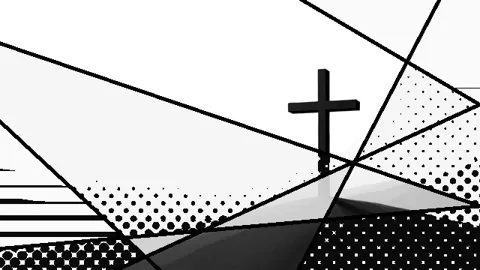
Pop-art collage: black lines slice the screen and each piece gets its own treatment.
 Lab · move the controls
Lines and Thickness draw straight black lines that split the screen; each piece shows the image in high contrast (Contrast) with one treatment: photo, halftone dots (Dots, DotSize), stripes (Stripes, StripeSize), flat gray (Flat) or inverted (Invert). Seed picks the layout and Shuffle changes it every beat, bar or 2 bars. Hue and Saturation tint it. Works straight on the camera; if the person comes cut out, Outline draws a white sticker outline.
The same controls you get in Resolume.
| Parameter | Range / options | Default |
|---|---|---|
| Lines | 1 – 16 | 6 |
| Thickness | 0 – 0.08 | 0.014 |
| Seed | 0 – 100 | 3 |
| Shuffle | Off / Beat / Bar / 2 Bars | Off |
| Contrast | 0.5 – 3 | 1.6 |
| Dots | on/off | on |
| DotSize | 3 – 60 | 14 |
| Stripes | on/off | on |
| StripeSize | 3 – 80 | 22 |
| Flat | on/off | on |
| Invert | on/off | off |
| Hue | 0 – 1 | 0.5 |
| Saturation | 0 – 1 | 0 |
| Outline | 0 – 24 | 6 |
Many copies of the camera: scrolling columns, a TV wall or a grid.
Double exposure: the same camera in layers, with the front one inside an arch.
Thermal camera: false colors, blown-out glow and a ghost motion trail.
Cuts the video into panels: rect, rounded, ellipse, diamond or window arch, with heights that morph over time.