Sweep FX
Wipes on your Advanced Output slices, synced to the BPM: 16 Looks, 13 shapes and 12 modes.
R$ 54,90 until 11/30
Light rays bursting from the center, with color split and BPM pulse. Free.
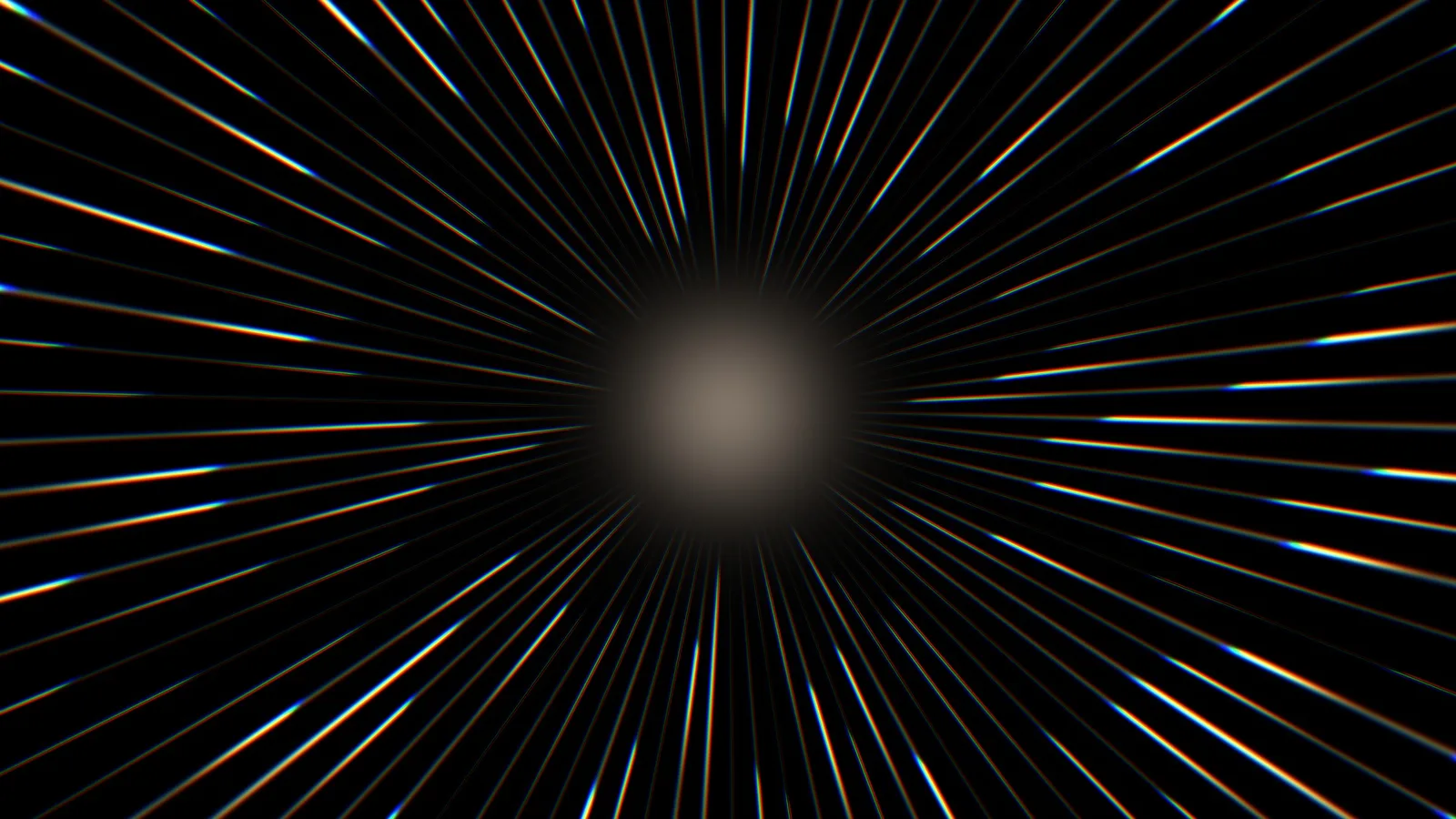
 1. Golden Rays
golden rays bursting from the center
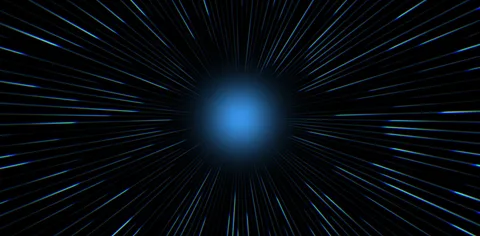 2. Blue Burst
a burst of blue rays
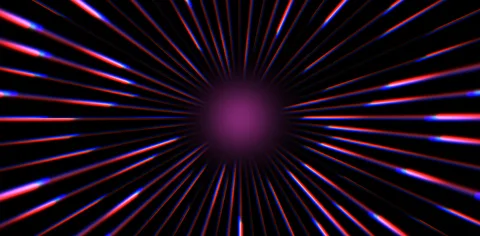 3. Chroma Magenta
magenta rays with Chroma splitting the colors at the edges
Control the number of rays, thickness, length, rotation, color and glow.
Splits the colors at the edges of the rays.
The rays hit on Resolume's BPM: great for band intros and song drops.
The background turns transparent so you can use it over the camera, a logo or another video.
Burst FX is a generator for Resolume Arena and Avenue 7 that creates light rays bursting from the center, no video needed. Control the number of rays, thickness, length, rotation, color and glow. Chroma splits the colors at the edges and Pulse makes the rays hit on the BPM. With Overlay the background turns transparent, so you can use it over the camera, a logo or another video. Great for band intros, song drops, event openers and conferences.
The same controls you get in Resolume.
| Parameter | Range / options | Default |
|---|---|---|
| Rays · Thickness · Length | number of rays · thickness · length | — |
| Inner | empty inner radius | — |
| Speed · Rotation | speed · rotation | — |
| Chroma | color split at the edges | — |
| Hue · Saturation | color · saturation | — |
| Intensity · Glow | intensity · glow | — |
| Pulse | pulse on the BPM | — |
| CenterX · CenterY | center of the burst | — |
| Overlay | transparent background, to use over another layer | — |
In the Sources tab: it's a generator, no video needed. Drag Burst FX into a clip slot like any other clip.
Turn on Overlay: the background becomes transparent and only the rays show. Put Burst FX on a layer above the camera, logo or video.
Yes. Enter your email and the download link arrives right away. No card needed.
Yes: it's free for personal and church use, including services and events. Just don't redistribute, resell or offer the file for download elsewhere: share the link fxsuite.com.br instead.
Check your spam and Promotions tab. The link is valid for 7 days; if you need to, request it again on this page with the same email.
Yes. It works in Resolume Arena and Avenue 7, on 64-bit Windows 10 or 11.
Not yet. For now FX Suite plugins are Windows only.
Wipes on your Advanced Output slices, synced to the BPM: 16 Looks, 13 shapes and 12 modes.
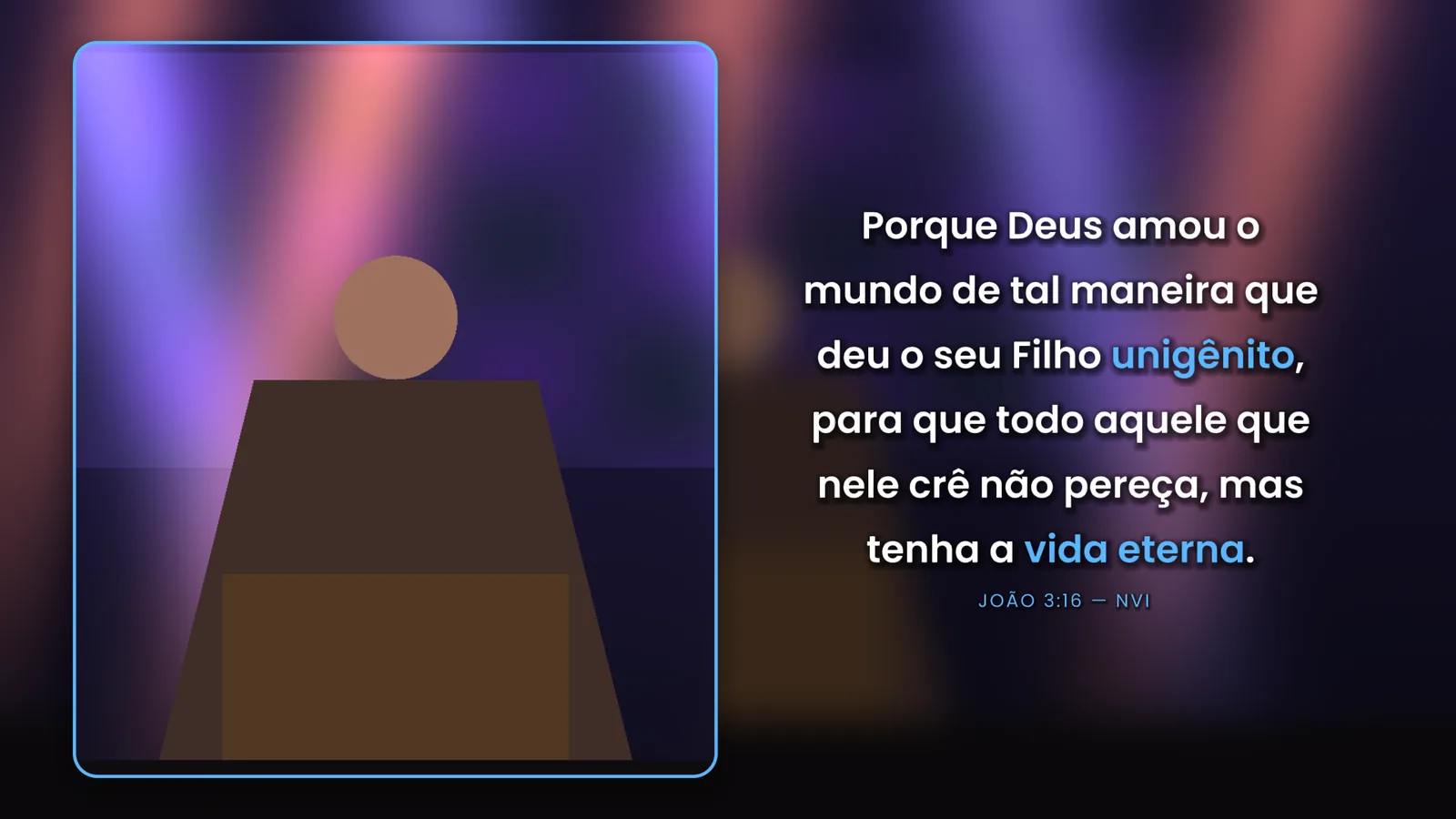
Sermon graphics generated in Resolume: title, lower third, verse, camera + verse, sermon points, quotes, Bible references and announcements.
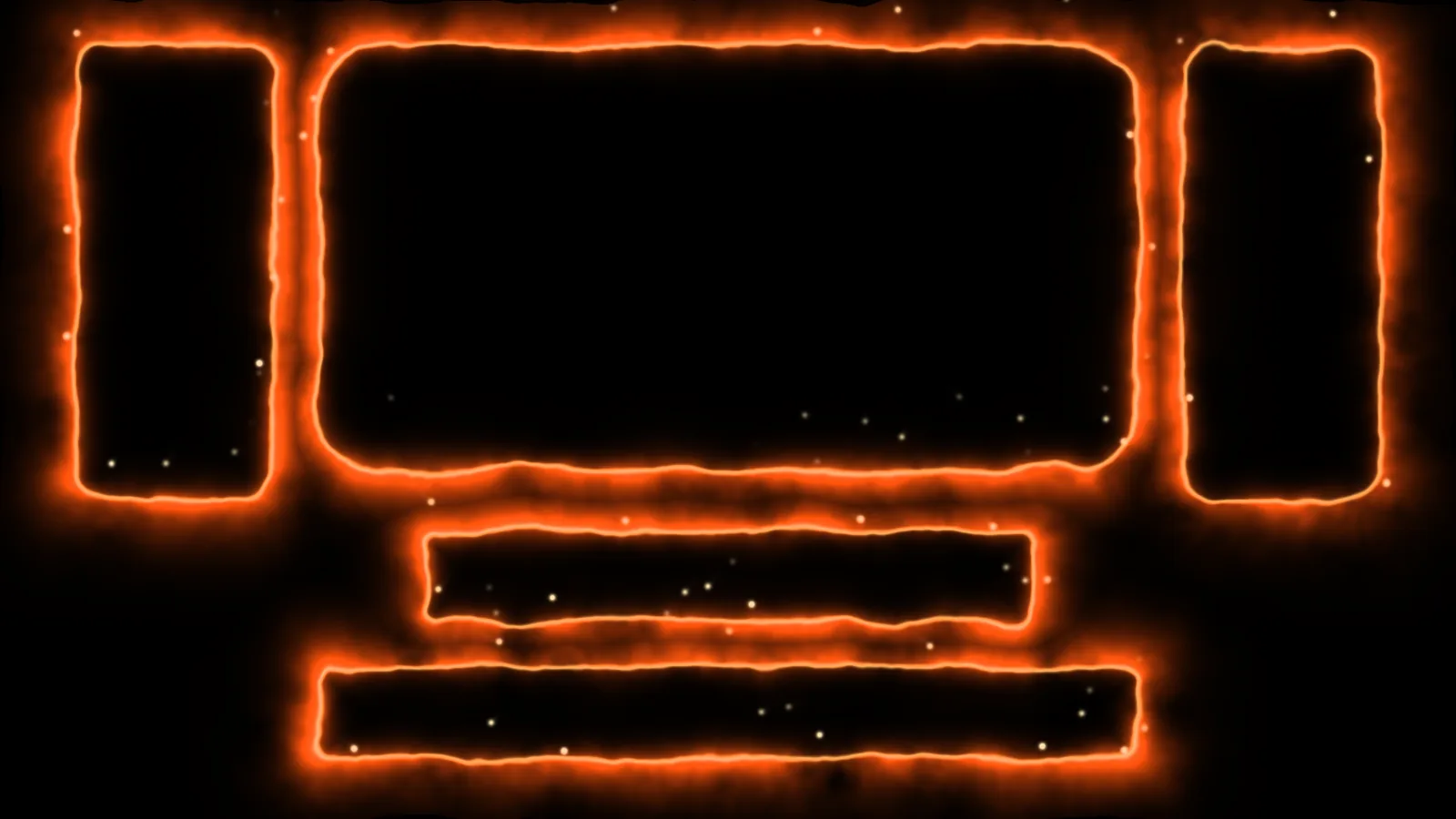
Living borders of fire, neon, electricity and gold around your LED slices, with comets, sparks and 3D.
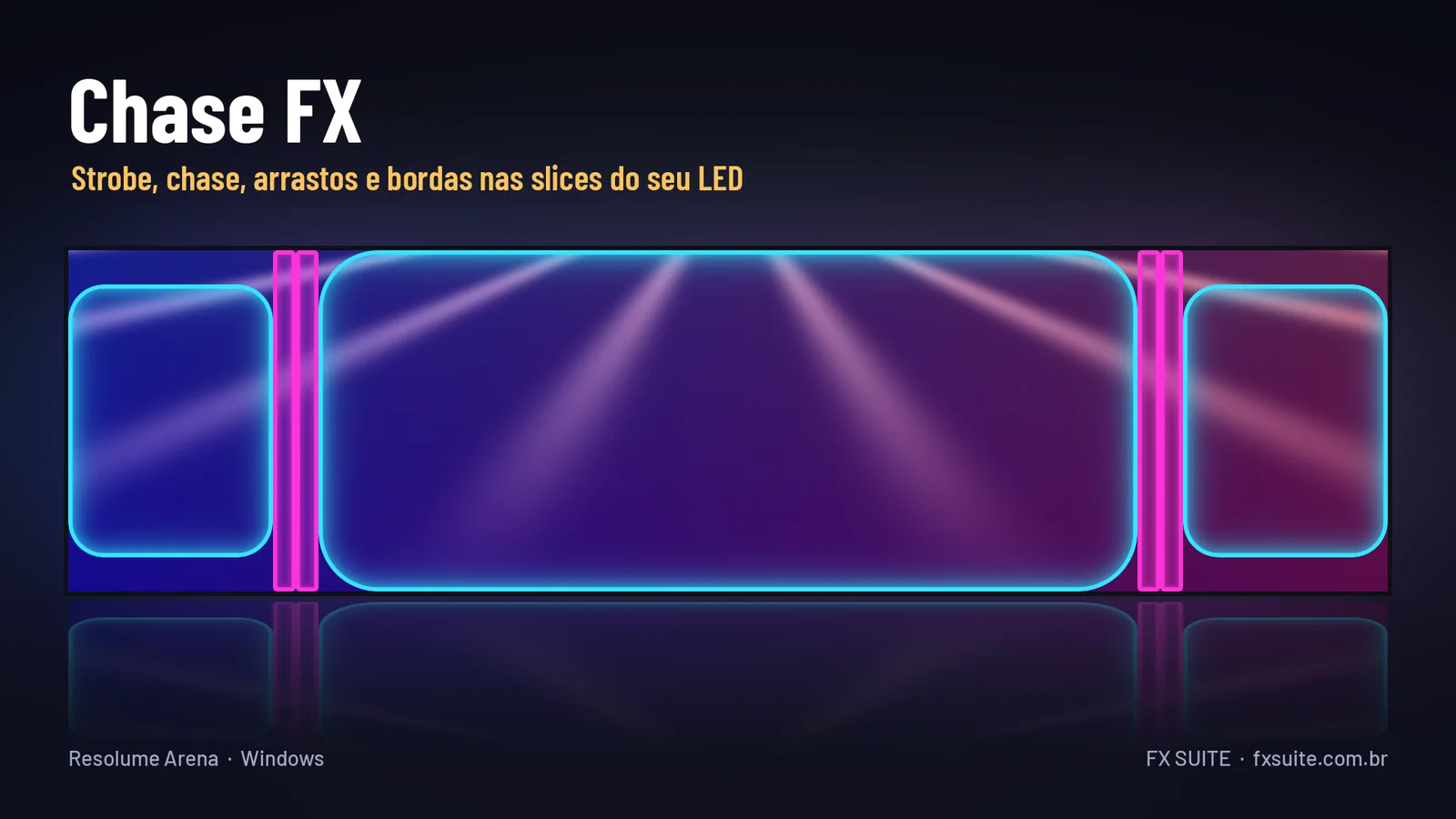
Strobe, chase, wipes and edges right on your Advanced Output slices, on the beat: 19 effects and 19 styles.